CourierScript for PUBG
CourierScript for PUBG — ESP, Radar, Skeleton, Aim Assist
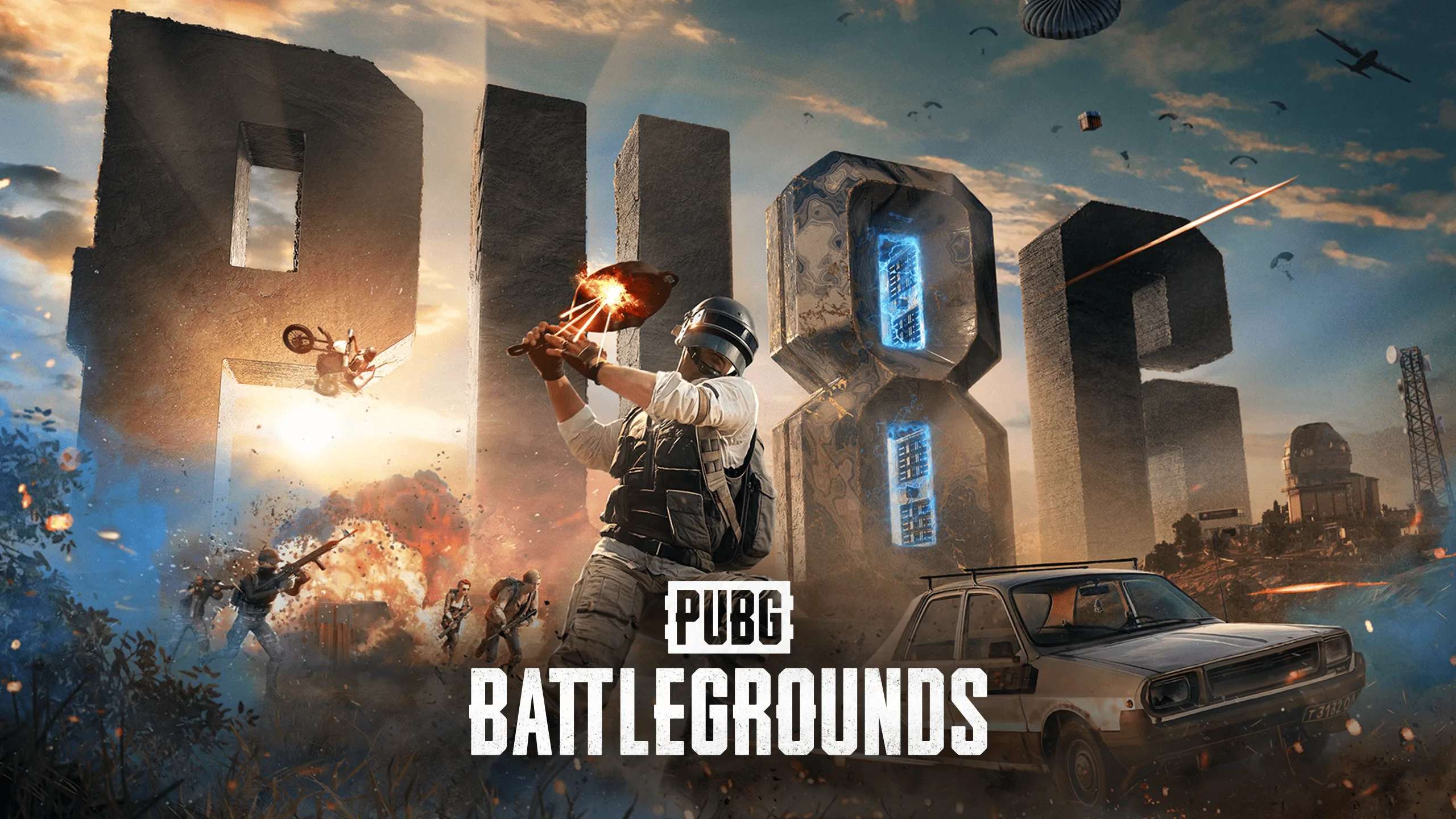
CourierScript for PUBG: BATTLEGROUNDS is an external private cheat that boots from a USB flash drive and requires neither BIOS edits nor anything installed into the system. Activate the key, run the loader, pull out the drive and play.
WHAT THE CHEAT GIVES YOU
The core is 49 independent drawing elements plus aim assist. In PUBG that matters: the map is huge, and the amount of information on screen should be exactly what you want, not what the developer decided for you. Enemy boxes come in corner, 3D and filled styles with adjustable line thickness, glow, shadow and gradient. Skeleton, head circle, health and armor bars, held weapon info and velocity vector show where an enemy is running and what he is carrying before you ever see him.
Situational control is handled by a radar with player dots, a minimap, a compass, snaplines and multiple target lines, tracers and out-of-view arrows. The look-direction indicator warns you when an enemy turns your way — in PUBG that is often the difference between the first and the second shot. On-screen player and enemy counters tell you how many are still in the zone.
Distance is displayed as text, as a circle, and through color and size scaling: distant targets are visually muted while close ones stand out on their own.
Aim assist brings the crosshair onto the target smoothly, without hard snaps. Also available: crosshair with center dot, info panel, FPS counter, watermark, hot spot, nearest-target highlighting and a "players only" filter that strips unnecessary objects from the screen.
INSTALLATION
Close PUBG completely and disable your antivirus for the installation. Activate the key, download the loader, move it to a USB flash drive and run it as administrator. Remove the drive right after the loader starts, wait for it to finish, press OK and launch PUBG. The menu opens with F1.
SYSTEM REQUIREMENTS
Windows 10 and 11 up to and including build 26H2. Any Intel or AMD processor. A USB flash drive is required. No BIOS manipulation needed.
AFTER PURCHASE
You receive an activation key and access to the loader. Installation instructions are included. Contact support with any installation or configuration questions.
System Requirements
🔔 Cheat statuses update automatically from our Telegram bot via developer notifications — follow the news there. Many cheats update themselves after game changes, so a “Checking” status does not mean the cheat is broken — it is just uncertainty until confirmed. Not sure? Ask in the site chat or on our Contacts page.
Global keys — work worldwide.
Payment with a Binance card may be available for selected products. Contact us privately before buying to check availability and agree the details.
Features
Aim & crosshair
- Aim Assist
- Near Target Crosshair
- Crosshair
- Crosshair Dot
- Center Dot
Player model
- Skeleton
- Head Circle
- Health Bar
- Armor Bar
Radar & map
- Radar
- Radar Dots
- Radar Border
- Minimap
- Minimap Border
- Compass Border
Distance scaling
- Distance Based Color
- Distance Based Size
Counters
- Player Count
- Enemy Count
- FPS Counter
Boxes
- Corner Box
- 3D Box
- Box Fill
- Thick Box Outline
- Thick Corners
- Box Glow
- Box Shadow
- Box Gradient
Target info
- Distance
- Distance Text
- Distance Circle
- Damage Info
- Weapon Info
- Velocity Vector
- Entity ID
Target tracking
- Snapline
- Multiple Snaplines
- Tracers
- Out Of View Arrows
- Look Direction
- Nearest Target
- Enemy Indicator
- Hot Spot
Screen & filters
- Info Panel
- Info Text
- Text Background
- Watermark
- Screen Border
- Center Lines
- Filled Circle
- Show only players
Customer Reviews
All reviewsFrequently Asked Questions
Is it safe to use CourierScript?
How to install and launch CourierScript?
Does CourierScript work after a PUBG update?
What features are included in CourierScript?
What payment methods are accepted?
How to contact support?
After payment you will receive detailed instructions on activation, launch and use of the software.
Instructions will be sent to the email address specified before payment.
You will also find a download link and necessary components for the software.
Cheat community
Cheats for PUBG and PUBG Mobile: updates, detection status and a players' chat.