FOCUS Squad
FOCUS — Squad
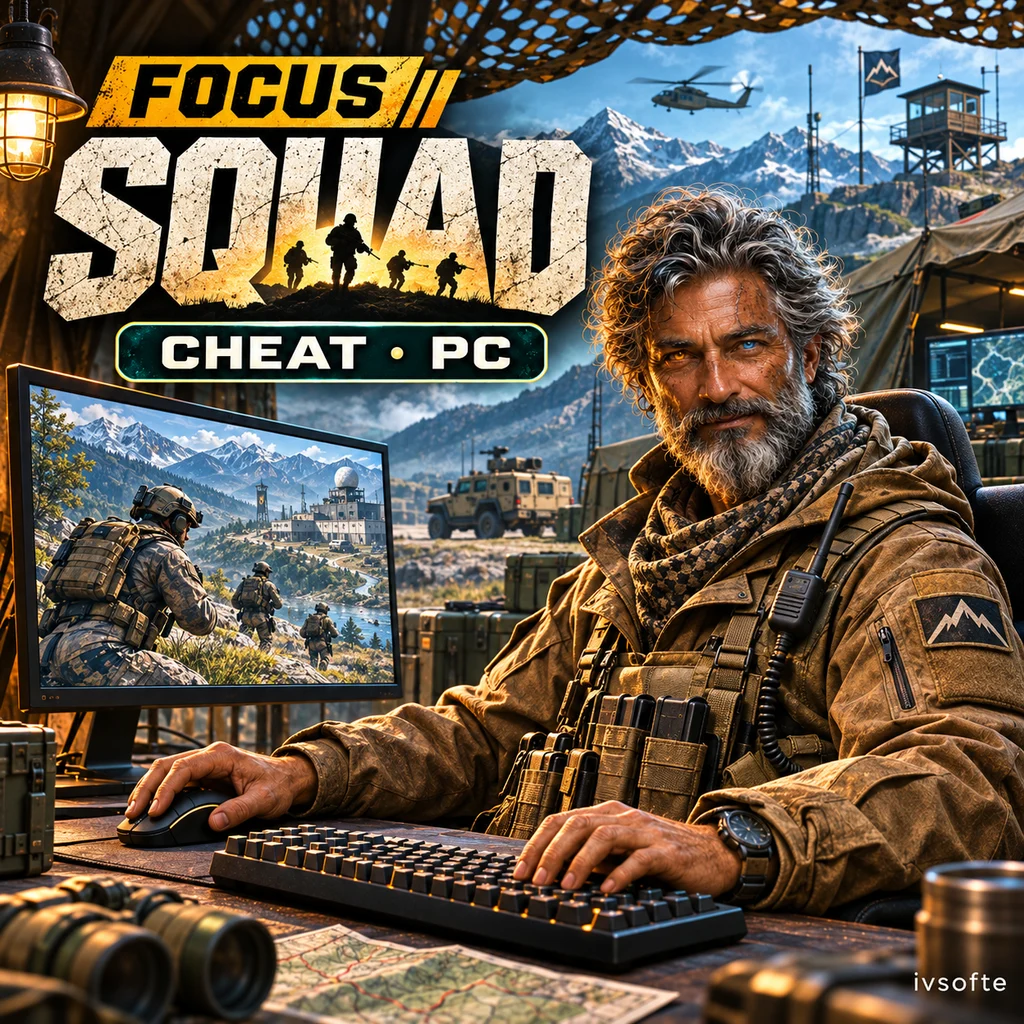
FOCUS for Squad combines Aimbot with ESP for players, vehicles and deployables. A radar, minimap and in-game map display provide several ways to view the surrounding situation.
Separate controls cover optics, battle mode, colors and configuration profiles. This version supports Steam on PC.
Select an access period and pay for your order. Your key and instructions will appear on the IVSOFTE delivery page after payment verification. Reopening the link retrieves the same license.
System Requirements
🔔 Cheat statuses update automatically from our Telegram bot via developer notifications — follow the news there. Many cheats update themselves after game changes, so a “Checking” status does not mean the cheat is broken — it is just uncertainty until confirmed. Not sure? Ask in the site chat or on our Contacts page.
Global keys — work worldwide.
Payment with a Binance card may be available for selected products. Contact us privately before buying to check availability and agree the details.
Features
Aimbot (Legit) 1
- Custom activation key; a side mouse button by default. (Activation)
- Head, chest or the closest point. (Hitbox)
- By field of view or distance. (Target selection)
- Exclude teammates from target selection. (Skip teammates)
- Line-of-sight checks against terrain and building collision. (Visible only)
- Display an indicator on the selected target. (Target indicator)
- Size, outline, fill, fill softness and line thickness. (FOV circle)
- Adjust aim movement smoothness. (Smoothing)
- Maximum targeting distance. (Max distance)
Visuals · Players 2
A shared text style and individual styles for each label. (Text styles)
Preview panel with a player model. (Preview)
Visuals · World
Ammo crate, HAB, repair station, mortar, FOB radio and helipad. (Deployable types)
Box, glow, icon, label and enemy-faction deployables. (Display)
Mortar shells in flight, with a number and distance. (Mortar shells)
Rockets, guided missiles, tank shells and cannon shells in flight, with a number and distance. (Vehicle projectiles)
Preview panel with an ammo crate. (Preview)
Radar
- Toggle the radar with a custom key. (Activation)
- Circle or square; adjustable transparency, range and size. (Shape & size)
- Icons or dots. (Markers)
- Drag with the mouse while the menu is open. (Position)
Minimap · In-game map
Enemies, allies, vehicles and deployables overlaid on the in-game map. (Map markers)
Hide the radar and minimap while the in-game map is open. (Hide widgets)
Statistics
Health, weapon and ammunition, grenades and bandages. (Information)
Drag the statistics card with the mouse. (Position)
Exploits
- Infinite ammunition, no recoil, no sway, and rapid fire with a rate up to 1000%. (Weapon)
- Custom activation key and speed up to 1000%. (Fast run)
- Adjust FOV from 60° to 170°. (Field of view)
- Remove grass and bushes. (Vegetation)
- Dark sky in a custom color, disable the sun and remove fog. (Sky & weather)
Configs
- List of saved configurations. (Configurations)
- Instantly, every 30 seconds or every 5 minutes. (Autosave)
- Load the last configuration on startup. (Load on startup)
- %APPDATA%\Focus\squad (Configuration folder)
Aimbot (Legit) 2
Mouse calibration and Squad ballistics. (Calibration & ballistics)
Visuals · Players 1
- Corners, full or 3D boxes; adjustable rounding and thickness. (Box)
- Display player skeletons. (Skeleton)
- Glow highlighting on the player model. (Glow)
- Name, distance, health bar, class such as rifleman, medic or SL, and weapon. (Player information)
- Draw lines to enemies and teammates. (Snaplines)
- Display allies and bots. (Allies & bots)
- Separate highlighting for visible enemies. (Visible enemies)
- Highlight downed players with a separate color. (Downed players)
- Position name, class, weapon and distance labels around the box. (Label placement)
Visuals · Vehicles
Motorcycle, jeep, artillery jeep, truck, APC, tracked anti-air, IFV, tank, helicopter and boat. (Vehicle types)
Individual color, box with a 3D style, model glow, icon and label for each type. (Per-type settings)
Friendly vehicles, name and distance labels, and maximum display distance. (Display)
Up to 128 px, with distance-based scaling. (Icon size)
Preview panel with a tank. (Preview)
Visuals · Optics
Players, vehicles and deployables are rendered in optics according to the scope view. (Scope rendering)
Minimap
Circular or square minimap around the player, with camera rotation. (Shape & rotation)
Map size, zoom level, and separate zoom-in and zoom-out keys. (Size & zoom)
Adjust minimap opacity. (Opacity)
Enemies, allies, vehicles and deployables; vehicle and deployable type filters, and labels. (Entities & labels)
Background images for 25 Squad maps, a grid and the play-area boundary. (Map background)
Drag the minimap with the mouse. (Position)
Misc
- Mouse-wheel or key zoom, up to 8×. (Zoom)
- Cross, plus, dot or T; adjustable size, gap and thickness. (Screen crosshair)
- The crosshair can follow the weapon line. (Follow weapon)
- Adjust transparency and drag with the mouse. (Team tickets)
- Activation key, distance, enemies only, visible only, hide downed players, vehicles, deployables, labels, and hide radar and minimap. (Battle mode)
Colors
Colors for enemies, allies, skeletons, visible and downed players, names, distances, classes, weapons, snaplines and health bars. (Players)
FOV circle and screen crosshair colors. (FOV & crosshair)
A separate color for every vehicle and deployable type. (Vehicles & deployables)
6 accent presets or a custom color. (Menu accent)
Settings
- Custom menu key; Home by default. (Menu key)
- End — close the overlay. (Panic key)
- Adjust the menu scale. (Menu size)
- Hide the overlay from screen recording. (Streamproof)
- Restore the default menu settings. (Reset menu settings)
- Russian or English. (Language)
Customer Reviews
All reviewsFrequently Asked Questions
What features are included in FOCUS Squad?
What payment methods are accepted?
How to contact support?
Payment is confirmed, but the product is missing. How long should I wait?
I have a key. Where are the download and instructions?
Select an access period and pay for your order. Your key and instructions will appear on the IVSOFTE delivery page after payment verification. Reopening the link retrieves the same license.
Cheat community
Cheat updates, detection status and help from other players — in our Telegram and Discord.