Play video 2
Select an image to view it larger.
ML+ for Mobile Legends
ML+ for Mobile Legends: Android Map, ESP and Hero Combos
Global keys — work worldwide.
Payment with a Binance card may be available for selected products. Contact us privately before buying to check availability and agree the details.
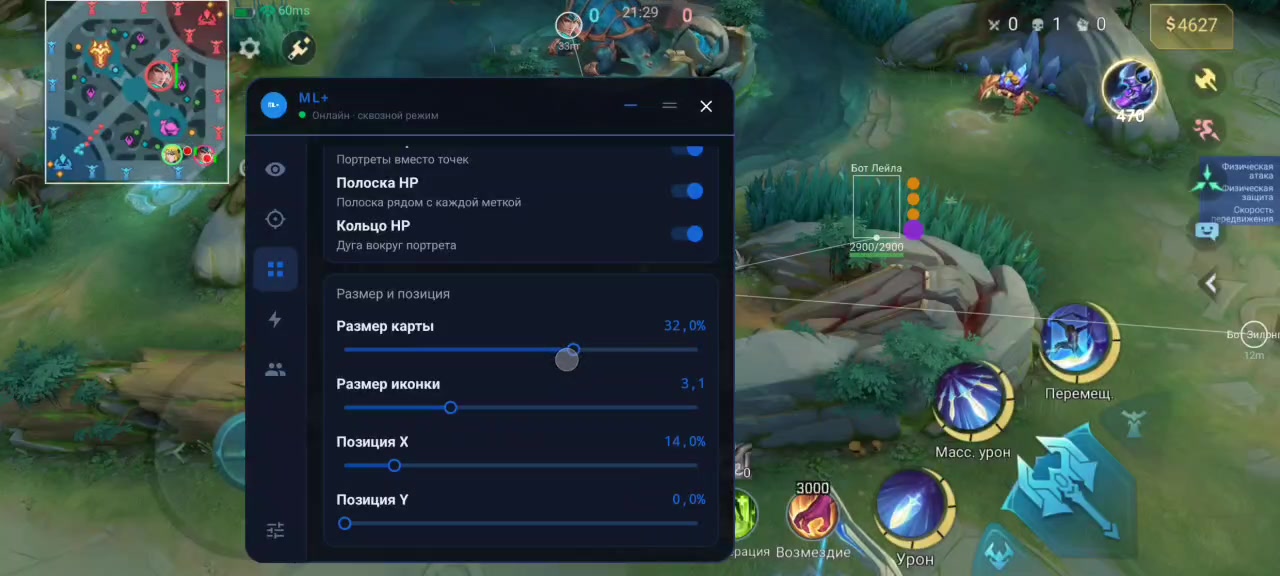
ML+ combines map tools, ESP, a skin changer, adjustable hero combos and Auto Retribution for Mobile Legends: Bang Bang on Android.
Android 11 or newer is recommended. The developer currently advises against Android 10 and below because setup is difficult and requires a PC.
Grant overlay permission and enable developer mode and wireless debugging. Use the developer-provided game or launch the original Mobile Legends through Dual Space. Xiaomi combos also require USB Debugging (Security settings).
Auto aim and virtual map streaming are in development and are excluded from the current feature set.
ML+ 1.8 update
Fixed errors and crashes on various devices and improved stability.
- ESP for traps and mines placed by Diggie, Selena, Popol and Kupa
- Shared skin ratings: works correctly or does not work / displays incorrectly
- Alternative launch mode when ESP, the minimap or other elements disappear
- Tips for MIUI and other nonstandard firmware
After updating to version 1.8, you must restart your device.
System Requirements
What statuses mean
🔔 Cheat statuses update automatically from our Telegram bot via developer notifications — follow the news there. Many cheats update themselves after game changes, so a “Checking” status does not mean the cheat is broken — it is just uncertainty until confirmed. Not sure? Ask in the site chat or on our Contacts page.
Features
Match information
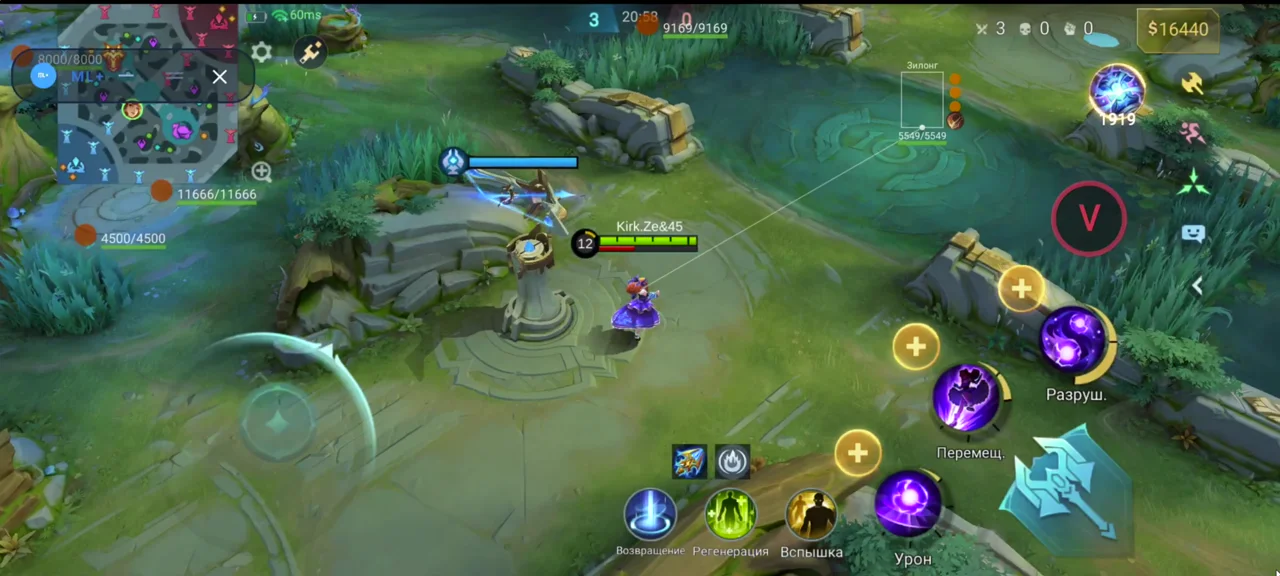
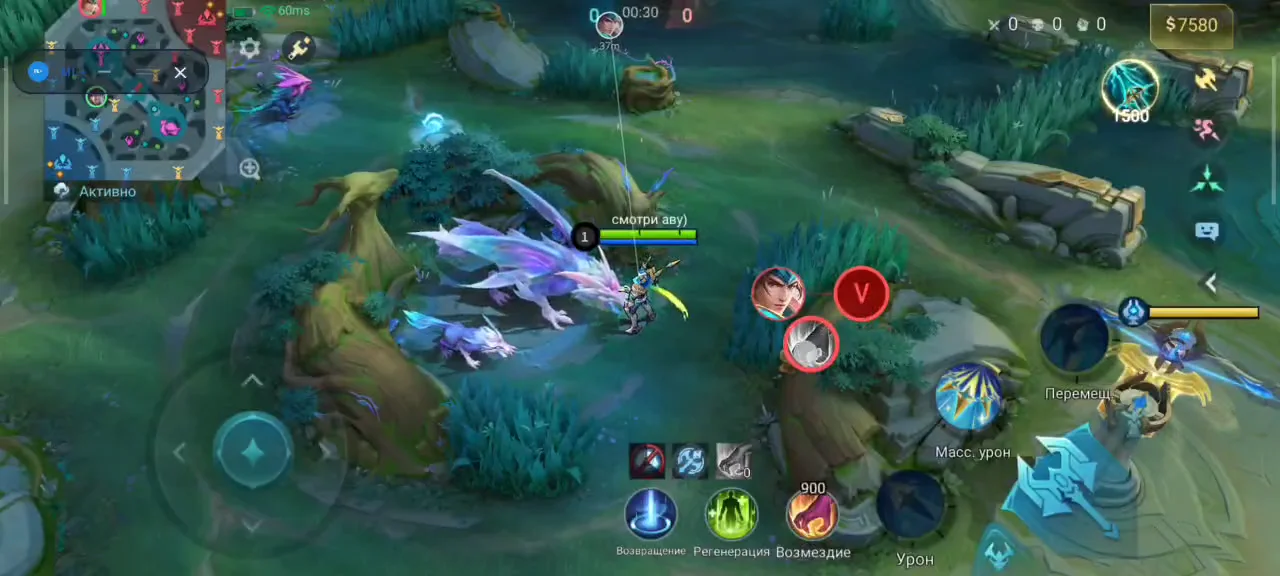
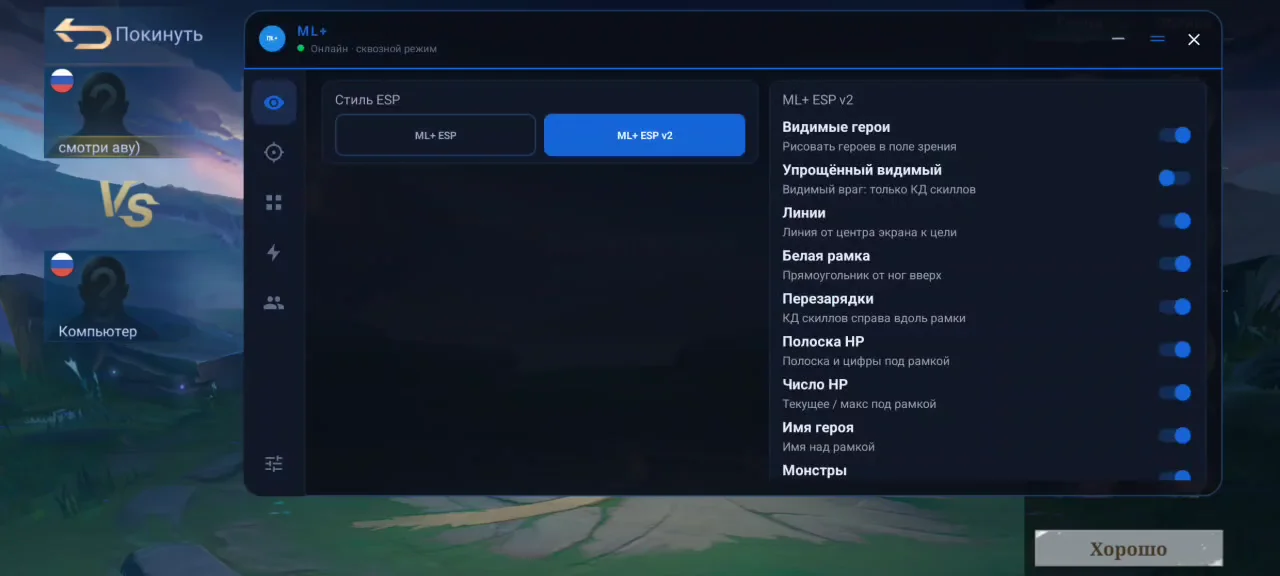
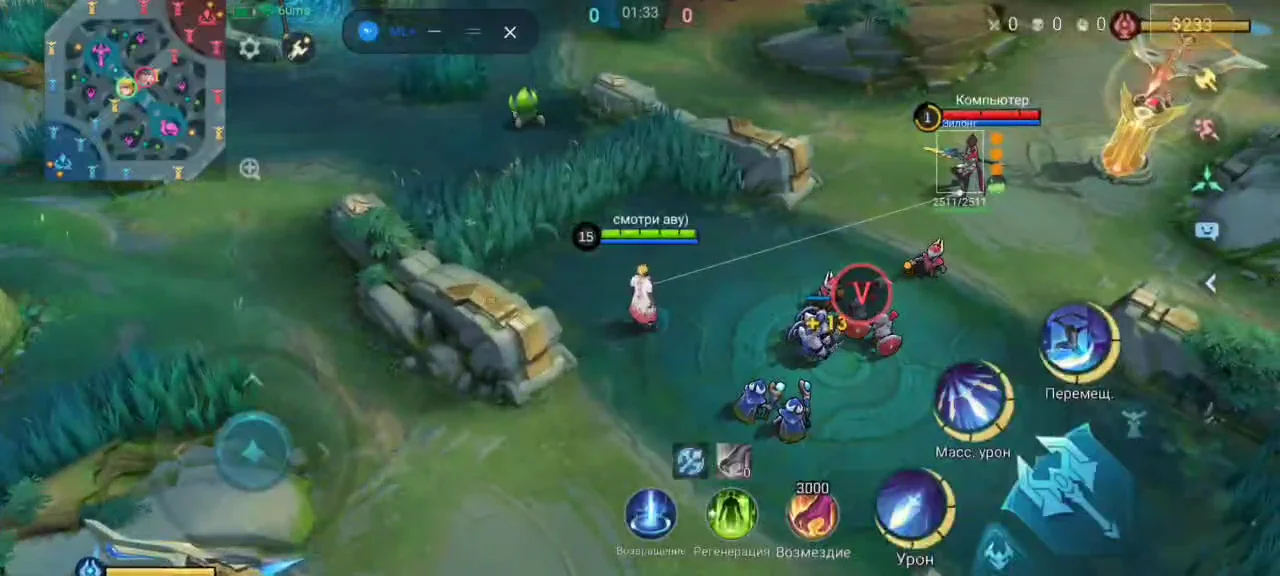
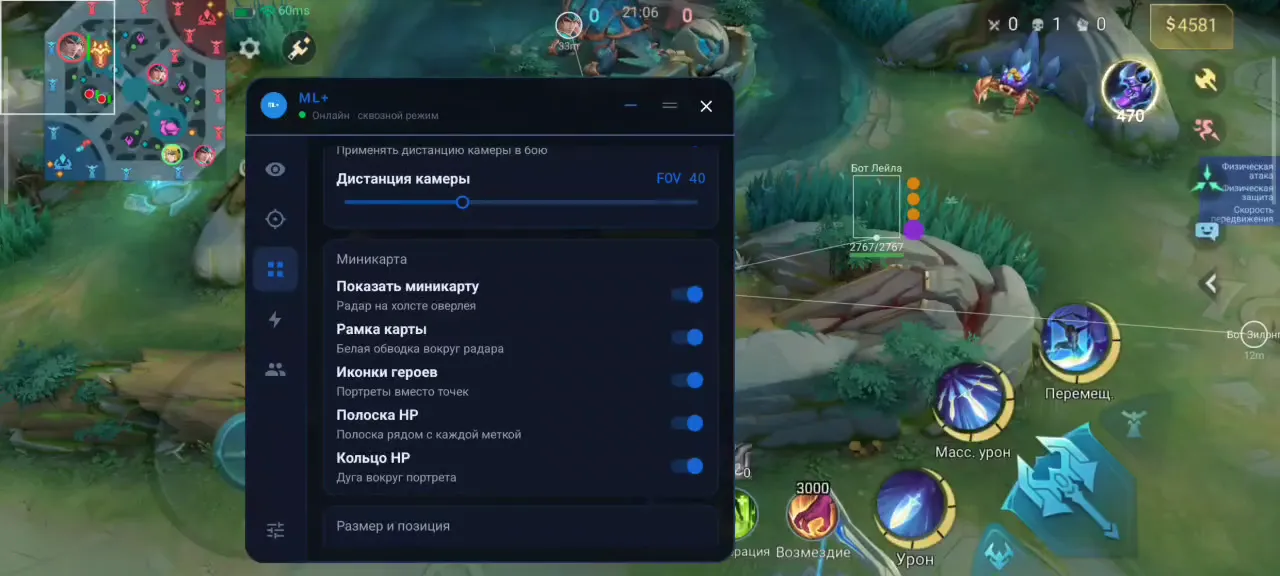
- Map, lobby and drone view
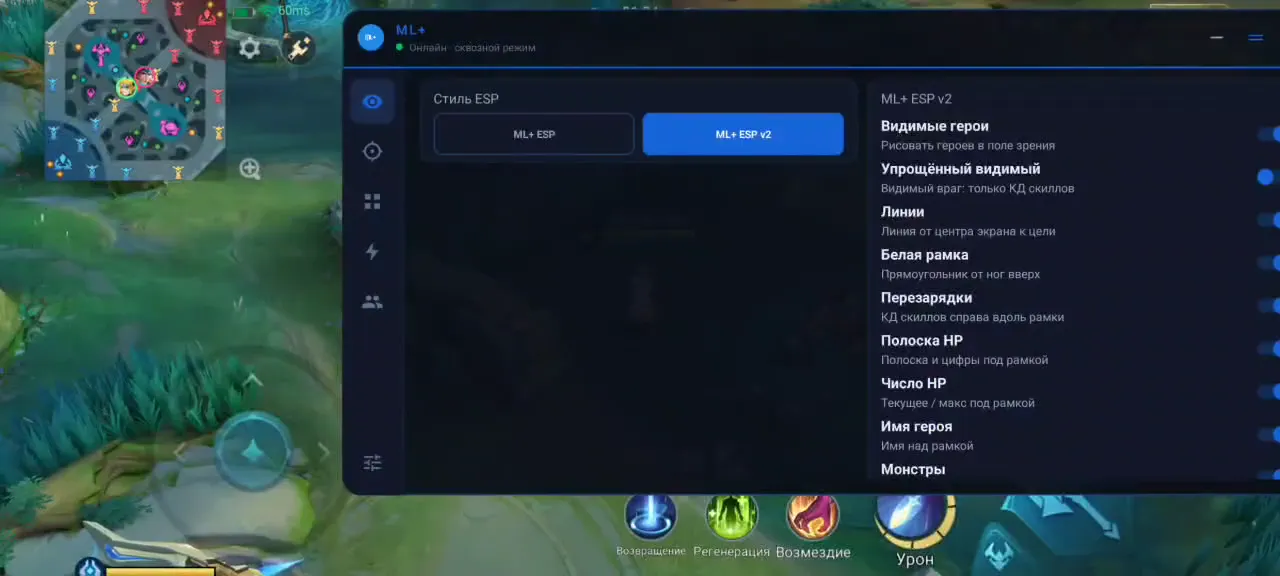
- ESP and skill cooldown display
- ESP for traps and mines placed by Diggie, Selena, Popol and Kupa
In development
- Auto aim and virtual map streaming are in development and are excluded from the current feature set.
Launch and compatibility
- Alternative launch mode when ESP, the minimap or other elements disappear
- Tips for MIUI and other nonstandard firmware
Appearance
- Skin changer
- Shared skin ratings: works correctly or does not work / displays incorrectly
Automation
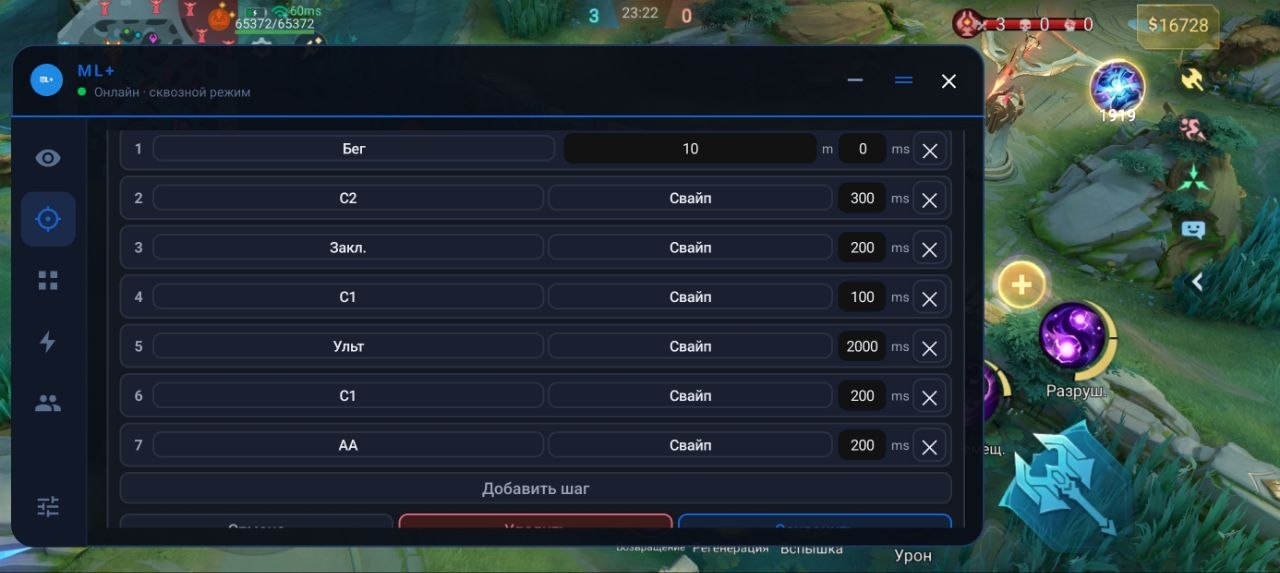
- Automatic combos with fine adjustments for each hero
- Automatic smite (Auto Retribution)
Menu Screenshots
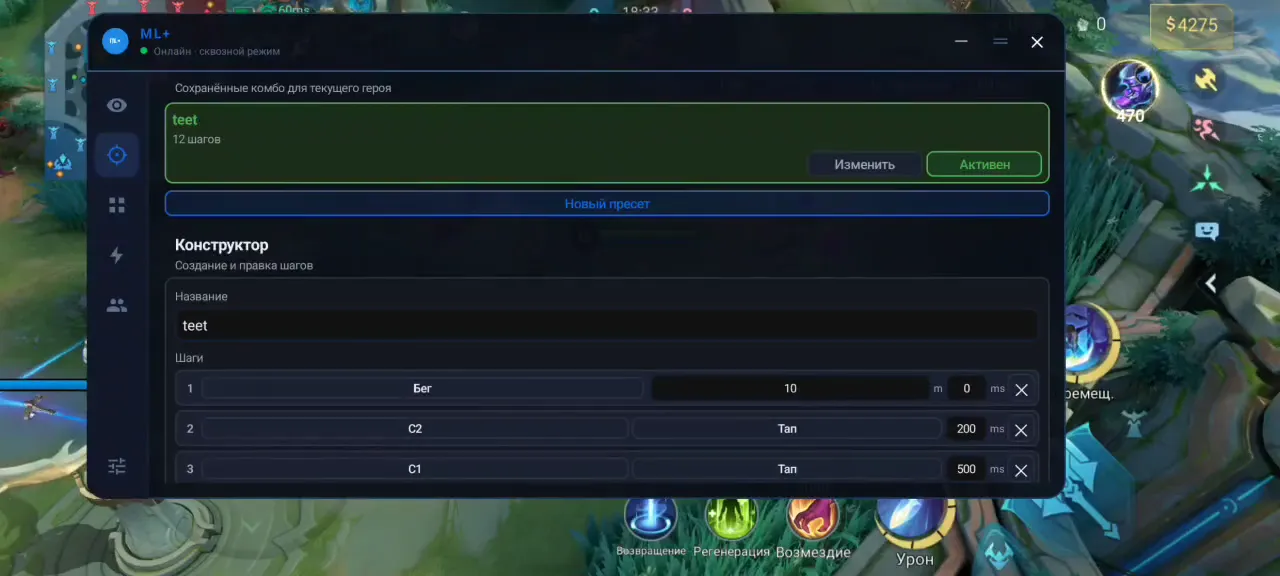
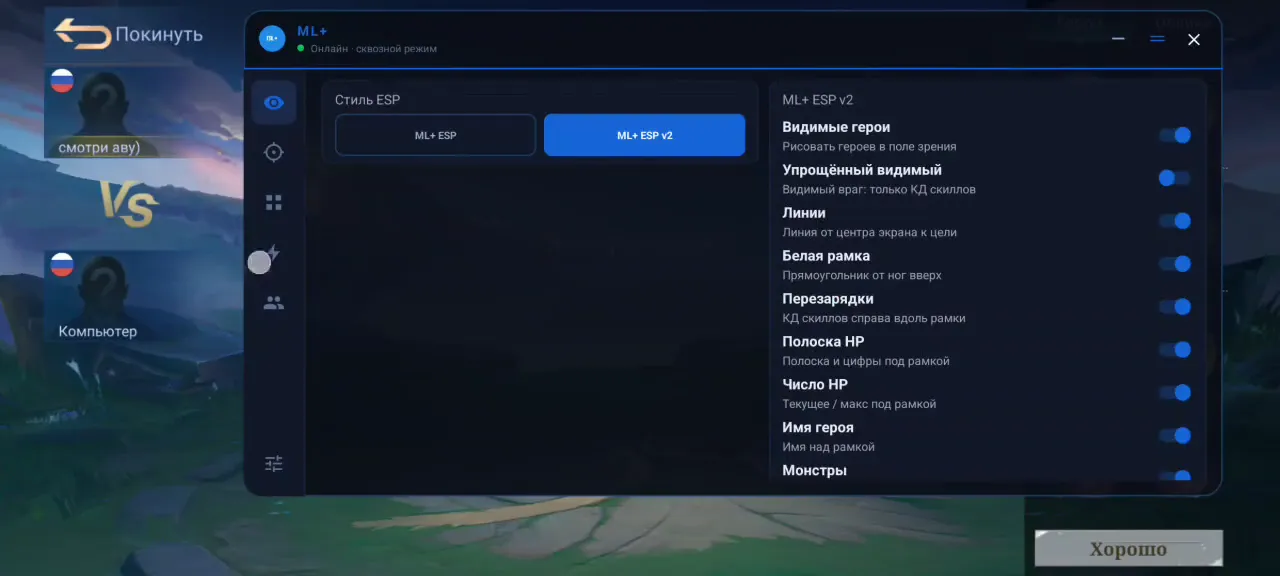
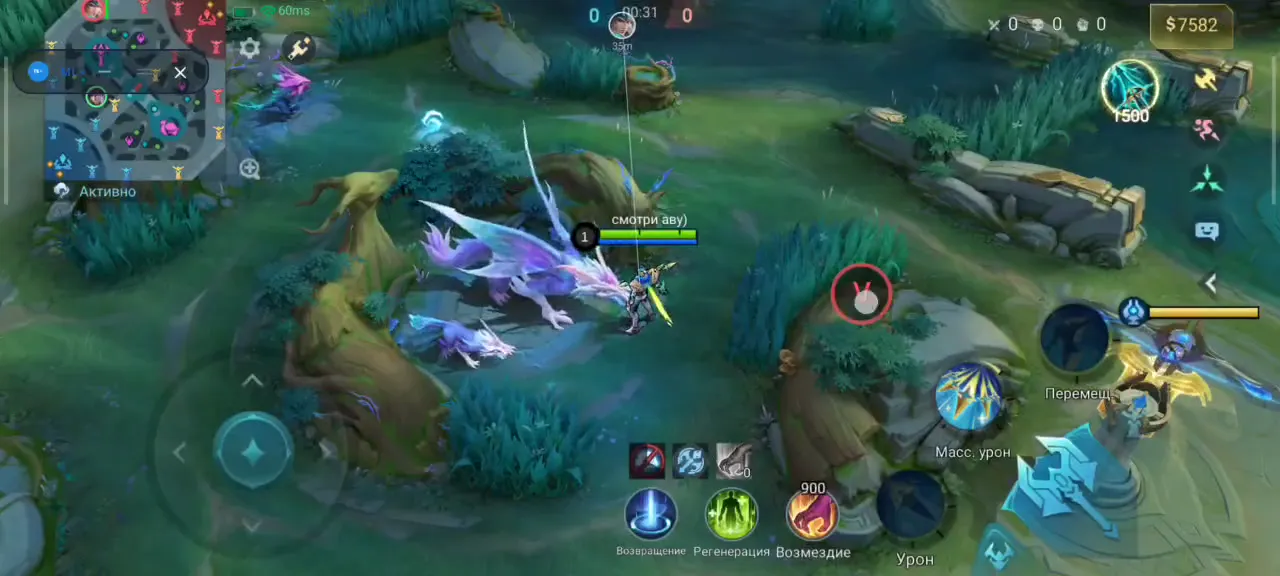
What's new in this cheat
1
New features, meaningful improvements and important fixes for this product.
-
ML+ 1.8
- Fixed errors and crashes on various devices and improved stability.
- Tips for MIUI and other nonstandard firmware
- Alternative launch mode when ESP, the minimap or other elements disappear
- ESP for traps and mines placed by Diggie, Selena, Popol and Kupa
- Shared skin ratings: works correctly or does not work / displays incorrectly
- After updating to version 1.8, you must restart your device.
Customer Reviews
All reviewsFrequently Asked Questions
What features are included in ML+?
What payment methods are accepted?
How to contact support?
Payment is confirmed, but the product is missing. How long should I wait?
I have a key. Where are the download and instructions?
After payment you will receive detailed instructions on activation, launch and use of the software.
Instructions will be sent to the email address specified before payment.
You will also find a download link and necessary components for the software.
Cheat community
Cheat updates, detection status and help from other players — in our Telegram and Discord.