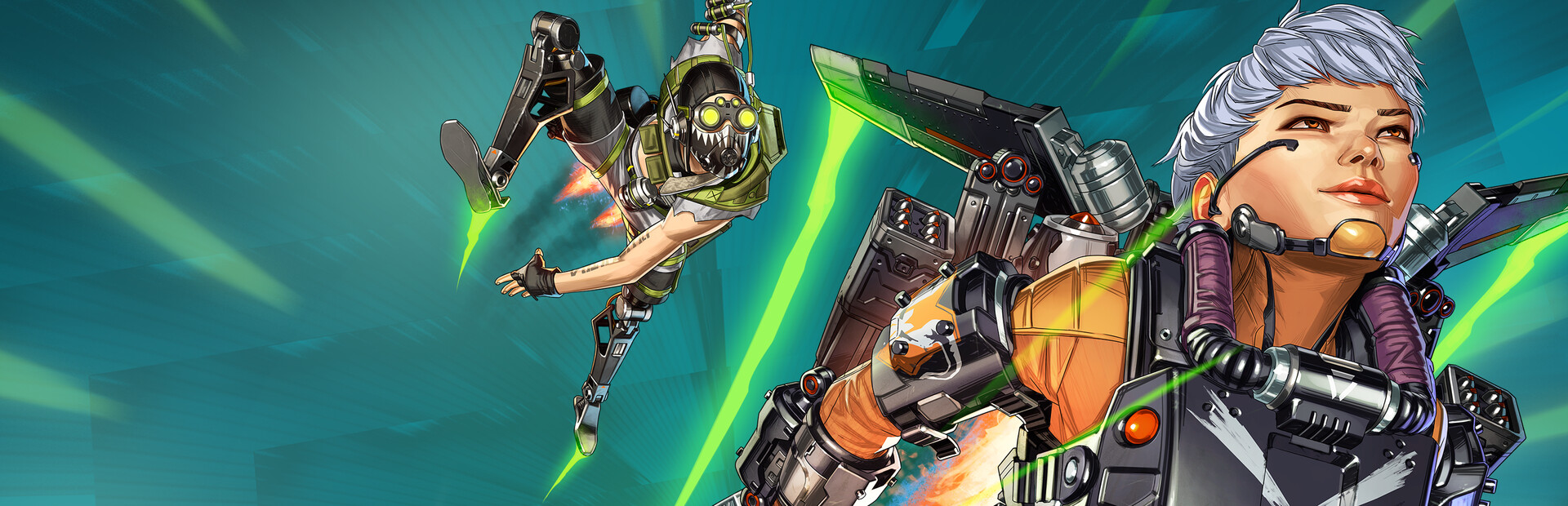
The Fecurity team rolled out a major cheat update for Apex Legends targeting the latest game patch. This is not a cosmetic hotfix: the launch architecture was rewritten, the new launcher supports Secure Boot Native, overlay requirements changed, and new features landed in the visuals block.
Highlights of the May 17 build
- Compatibility with the latest Apex patch. The cheat was tested against the most recent game client build.
- Technical core update. Internal procedures changed under the hood — the detailed fix list isn’t disclosed, but stability work is visible.
- New launcher with Secure Boot Native support. Previously you had to disable Secure Boot in BIOS. Now the launcher works with Secure Boot enabled. The “Secure Boot Native” guide is published in Fecurity’s official documentation.
- Reworked launch architecture. Previously you could catch a BSOD when trying to load the game. In the new release:
- You can close the game at any moment, even before the software fully loads.
- The launcher UI explicitly shows what you need to do until the cheat is fully loaded.
- Updated system requirements. Details — on the Fecurity Apex Legends product page.
- Major stability and security improvements.
New visual features
- Team-based health bar. Health bar is now color-coded by team — on Mixtape modes you no longer confuse enemies with teammates by HP color.
- Improved team check on Mixtape modes. The “friend/foe” detection algorithm was rewritten specifically for the shuffling teams in Mixtape — false positives there are now fixed.
Required to launch
These are new build requirements without which the launcher won’t start:
- Discord overlay — set to Game Mode (Borderless / Windowed).
- Medal.tv overlay — set to Game Mode (Borderless / Windowed).
One of these overlays must be active. If you have a low refresh-rate monitor (60–144 Hz) — disable Discord overlay and use Medal.tv (on a 60 Hz monitor Discord overlay delivers only 15 FPS to the algorithm, which is worse for quality; Discord overlay is recommended on 170 Hz+ monitors).
⚠️ Launcher build date must be May 17, 2026 or newer. Older builds will not work with the current game patch.
What this means for buyers
- If you had a key on an older build — update the launcher from the Fecurity user panel. Your login and subscription carry over.
- If you had Secure Boot disabled for the cheat — you can re-enable it now. The native launcher works with it on.
- No Discord or Medal.tv installed? — install either one and enable its overlay before launch. One-time setup.
- On a 60–144 Hz monitor — use Medal.tv overlay and disable Discord overlay, otherwise the algorithm will pick Discord and lose frame rate.
- Before your first session — standard advice: HWID spoofer is mandatory, especially right after a major game update. Wait at least 24 hours after EA server restart before your first PvP session so the new anti-cheat signatures have time to settle.
Go to purchase Fecurity for Apex Legends — the product page has been updated for the new build, prices remain unchanged (1 day / 7 days / 30 days).
Dominate Apex Legends with our software
Statuses update automatically; ambiguous cases are reviewed manually. Sales may be paused during extended updates.