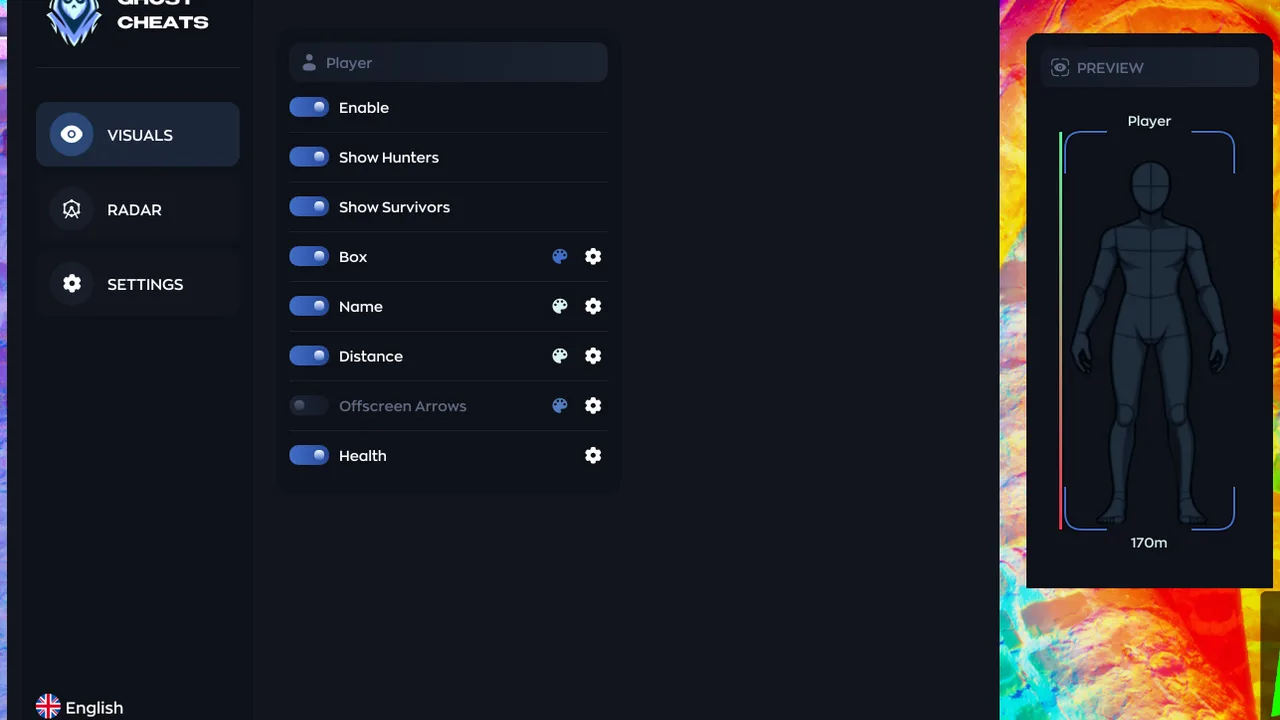
MECCHA CHAMELEON received update 3.5.0 on August 1. The headline additions are the Exit 8 collaboration map and a search tool for finding servers your friends are playing on. The rest is interface cleanup and bug fixes — but two of those fixes touch things that external software actually reads.
The patch in short
- New collaboration map: Exit 8.
- Friend server search added.
- Color palette UI reworked.
- “FAQ” and “Friend List” removed from the options screen.
- Long server names no longer overflow in search results.
- Motion blur settings now actually apply.
- Hunter body type in FPS mode unified to the default.
- Controller zoom fixed.
- The UI “Back” action got proper button collision.
- Microphone is muted by default now.
Why a new map matters more than the UI work
In a game built around blending into props, the map is the balance. Exit 8 ships its own object set, sightlines and hiding spots, and for the first few days nobody — hunter or hider — knows the good angles. Tooling that leans on level data feels this immediately. Prop filters, model whitelists, through-wall player rendering: all of it depends on assets that simply did not exist in the client before this patch. Until a developer walks the map and tags the new objects, expect a hider in an unfamiliar prop to occasionally read as static scenery, or the reverse — a harmless bit of furniture lighting up as a player.
Hunter model and menu layout
Unifying the hunter body type in FPS mode sounds cosmetic, but it is a character model change. Anything that resolves bones — aim logic, hit point calculation, bounding boxes drawn around a silhouette — is tied to that skeleton. When the base model shifts, those calculations need to be re-validated rather than assumed working.
The menu edits deserve a mention too. Two options entries are gone, the color palette screen was rebuilt, and the Back button now has a real hit area. Overlays that anchor themselves to in-game UI elements tend to drift after changes like these, and a panel that swallows clicks meant for the Back button is a very annoying way to discover the problem mid-lobby.
What this means for players using software
Every client build reshuffles memory addresses, and a short changelog does not exempt 3.5.0 from that rule. Practical steps:
- Do not launch a pre-patch build against the new client. Mismatched offsets rarely fail quietly — you get a crash on load or, worse, a crash mid-round, which reads badly to everyone else in the lobby.
- Check compatibility before you queue. Current per-title notes live on our update status page; if the entry says pending, sit out until the build catches up.
- Treat Exit 8 as unverified territory. Prop detection tuned on the old maps will misfire on new assets. Reacting to a false highlight in front of a hunter is more suspicious than playing the round blind.
- Reposition your overlay. With the palette screen redrawn and Back given a proper collision box, an overlay panel parked in the wrong corner can block navigation entirely.
- Remember the microphone default changed. It is muted now, so do not assume your squad hears you — and equally, do not assume nobody does after you toggle it back on and start narrating what your ESP is showing.
Builds for MECCHA CHAMELEON and their current compatibility state are listed on the game page.
Dominate MECCHA CHAMELEON with our software
Verified cheats and software — updates within 12–48 hours after major patches, with guarantees and 24/7 support.