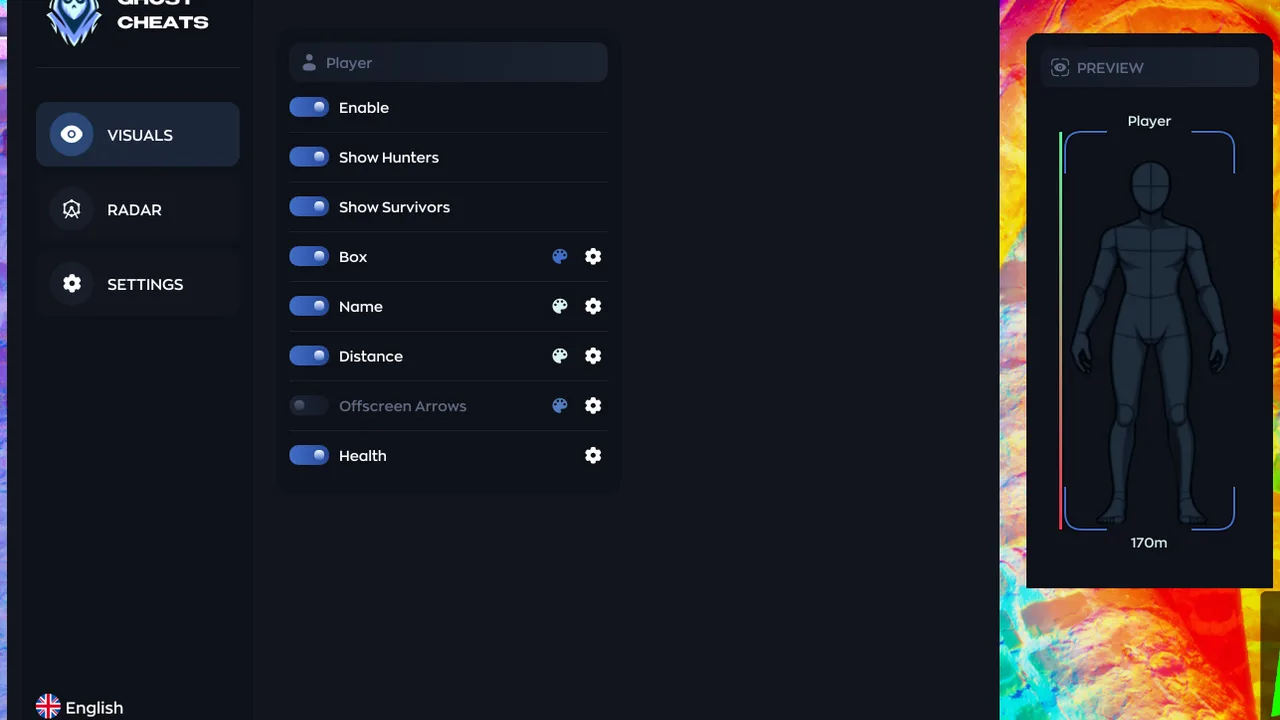
MECCHA CHAMELEON received update 3.9.1 on 16 August. The patch note is three lines long and every one of them concerns emotes: page navigation, a selection bug and a gap that showed up when clinging to the ceiling. No balance changes, no new content — and yet the client binary is different from yesterday’s, which is the part that matters for anyone running third-party software.
The three changes
- Emote selection can now be paged backwards, not just forwards.
- A bug that applied the wrong emote when nothing had been selected has been fixed.
- A gap that appeared when trying to cling to the ceiling with certain emotes is gone.
The third item is the interesting one. Clinging to surfaces is part of how you move in this game, so anything that adjusts where the model sits relative to level geometry is more than a cosmetic tweak. The visible symptom was a gap; the fix behind it usually lives in collision handling or in how the character model is anchored.
Small patch, new build
Patch note length has almost no relationship to how much the executable changed. A menu fix still means a rebuild, and a rebuild reshuffles where structures land in memory. Software that relies on hardcoded offsets does not degrade gracefully after that — it either reads nothing useful or dereferences garbage and takes the client down with it.
The cling fix deserves a second look for the same reason. If bone positions or attachment points were touched, features that draw from model coordinates will start reporting slightly wrong values. ESP boxes drift off the character, aim assistance pulls toward a point that no longer matches the hitbox. From the player’s side it just feels like the cheat got worse, when the actual cause is a client that moved underneath it.
The order of operations after any update
Check first, launch second. It sounds obvious and it is still the most common mistake made after a patch that looks harmless. An unsupported build gives you one of two outcomes: an immediate crash, or memory reads that produce values no legitimate client would ever generate — and the latter is far more visible server-side than most players assume.
What this means for players using software
- Wait before your first match. The game updated; your build almost certainly did not. Confirm the version is marked as supported on the software update statuses page before you queue.
- Expect a short gap. When a developer says offsets are being rebuilt, that is anywhere from a few hours to a day. Running a half-working build is worse than sitting the evening out — broken features behave erratically and erratic behaviour is exactly what detection heuristics are built to notice.
- Retest anything visual. After a fix that touches model positioning, put ESP and overlays through a low-stakes session first. A box that sits slightly off the player is the clearest sign the offset update is incomplete.
- Keep protection on. Do not disable your spoofer or concealment settings just because the patch looked trivial. Post-update windows are a convenient moment for quiet detection changes, and there is no upside to being the test case. Current supported builds are listed on the MECCHA CHAMELEON page.
Bottom line: 3.9.1 changes nothing about how you play, and potentially a lot about what your software reads. Five minutes of verification is cheaper than an evening of crashes and an account you have to explain.
Dominate MECCHA CHAMELEON with our software
Statuses update automatically; ambiguous cases are reviewed manually. Sales may be paused during extended updates.