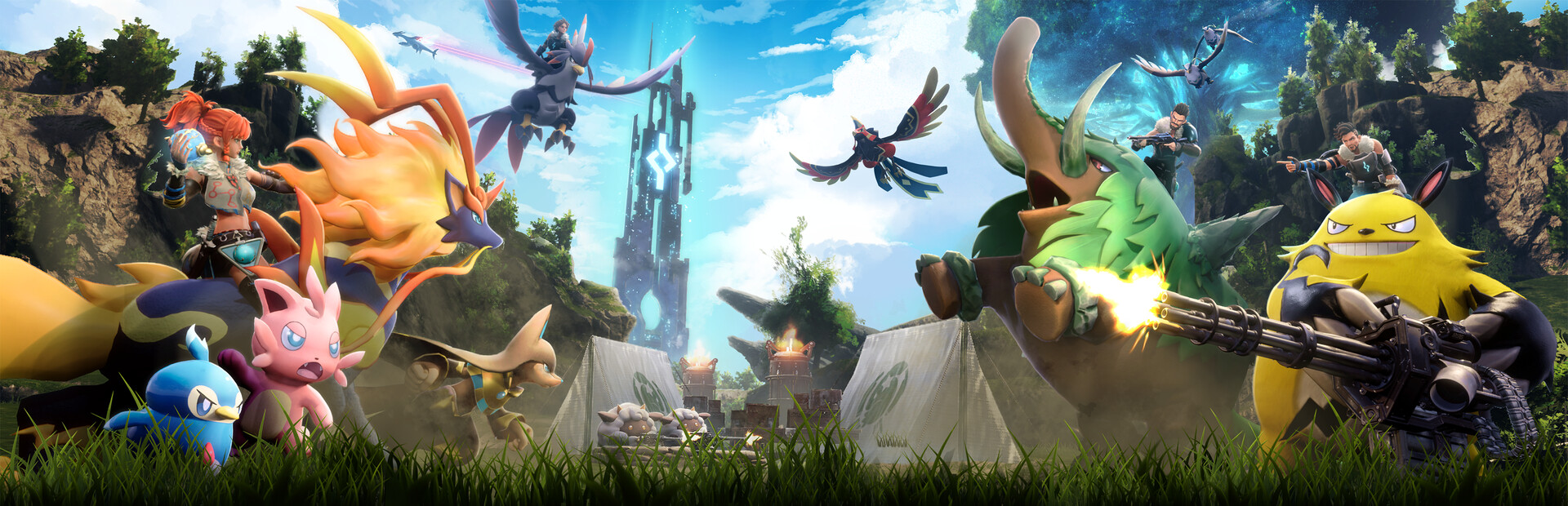
Palworld’s v1.0.2 update brings no new content — it is a pure maintenance build. Pocketpair focused on dedicated server stability, on co-op cases where host and guest saw different world states, and on trimming the processing load in Sunreach.
Dedicated servers stop dropping during Panthalus
The headline fix concerns the Panthalus encounter on dedicated servers. Two separate problems were addressed there: one that disconnected every player on the server mid-fight, and one that crashed individual clients. A third crash, unrelated to servers, triggered when players tried Japanese text input in fullscreen.
A full server-wide drop usually points at combat replication rather than a cosmetic bug, which is worth noting for anyone injecting into the process — that is exactly the code path most likely to have moved.
Co-op desyncs, mission fades, achievement locks
Several fixes clean up host/guest mismatches:
- terrain could fail to render from the host’s view if a player was already inside The World Tree area when the host arrived;
- the tower boss “Victor & Shadowbeak” could vanish after a teleport attack;
- in the final boss fight, a guest waiting to respawn when the host landed the kill could end up with broken lighting after respawning.
Two missions — the main quest “The First Islander” and the side quest “Captured Adventurer” — could leave the screen stuck faded out if dialogue was interrupted during the fade. On the achievement side, “Predator Hunter” and the Pal Effigy reward sometimes refused to unlock despite met requirements, and two Lifmunk Effigy achievements on Xbox were still showing outdated icons.
Controls, UI and Sunreach
The controls section got the most player-facing attention:
- “Attack that enemy!” and “Inventory” can now be rebound;
- settings imported from builds older than v0.7 no longer flag unrelated changes as control conflicts;
- binding a player action to the middle mouse button is no longer treated as a conflict and now applies;
- the Inventory Shortcut option is visible in Controls again.
One UI fix: mining damage numbers on ore sometimes displayed as 0. And on performance, Sunreach now runs with a reduced processing load.
What this means for players using software
Maintenance patch or not, the executable was rebuilt — and that is the only detail that matters for external tooling. Expect offsets and signatures to have shifted. ESP, teleport, speed and inventory features all hook into player and world structures, and this build touched precisely those areas: combat replication for Panthalus, guest state in the final fight, area handling around The World Tree.
So the routine is the usual one. Do not fire up yesterday’s build and hope for the best. In Palworld a stale offset rarely fails quietly; it crashes the client, and on a dedicated server that reads as a suspicious mid-boss disconnect sitting in the admin’s log right next to the drops this patch was meant to eliminate. Check the compatibility mark on our update statuses page first, then join a session.
The Sunreach optimisation deserves a second look. Cutting processing load in one region normally means changing how objects stream in and how they are drawn. Anything that enumerates entities inside a radius may behave differently there — missing Pals, or pulling in more than it should. Re-test your render distance and filters in Sunreach specifically rather than in the starter areas, and adjust from there.
Finally, the rebinding work raises the odds of hotkey collisions. With the attack command and inventory now remappable, and the middle mouse button finally accepted as a valid target, your overlay or feature toggles can end up sharing a key with an in-game action. Spend a minute separating them before a long run. Current builds for the game and their live status are listed on the Palworld page.
Dominate Palworld with our software
Statuses update automatically; ambiguous cases are reviewed manually. Sales may be paused during extended updates.