Play video 1
Select an image to view it larger.
Ancient for Rainbow Six: Siege
Working Cheat Ancient for Rainbow Six Siege
Purchase is processed on partner site ancientick.com
Sales temporarily paused
Purchase is processed on partner site ancientick.com
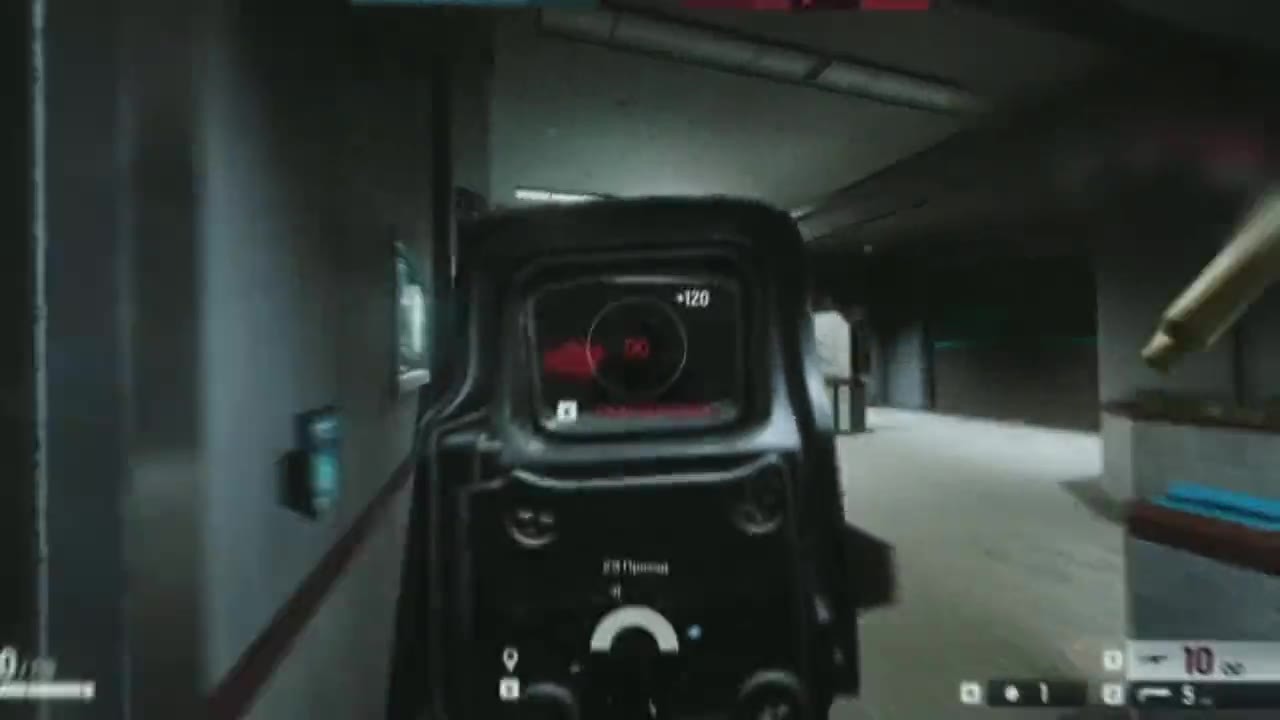
Ancient is a modern and stable cheat for Rainbow Six Siege, developed for players who want to gain an advantage without unnecessary complications. The software combines a precise Aimbot, informative visuals, and a convenient settings system, allowing you to adapt gameplay to any play style.
Aimbot in Ancient is highly customizable: you can choose the activation key, aiming radius (FOV), smoothness, and sensitivity. Support for bone selection, nearest target, and target lock makes shooting more accurate and natural, without sudden jerks or suspicious behavior.
The visual part of the cheat provides complete information about opponents: boxes, skeletons with adjustable thickness, lines, and health display. This allows you to assess the situation in advance, control enemy positions, and make the right tactical decisions.
Special attention is given to character abilities — Ancient displays the abilities of all operators, and icon sizes can be customized so the information is clear without cluttering the screen.
For user convenience, a config system is implemented: you can save, load, delete, and share settings, quickly switching between different play styles and scenarios.
Ancient is a balanced solution for Rainbow Six Siege, combining functionality, convenience, and stable performance, suitable for both experienced players and those just starting to use such software.
System Requirements
Features
Aimbot
- Enable — toggle on/off
- Aim Key — activation key selection
- FOV (slider) — aiming radius
- Aim Smooth (slider) — aiming smoothness
- Aim Sensitivity (slider) — aiming sensitivity
- Target Bone — bone selection for targeting
- Nearest Bone — automatic nearest bone selection
- Target Lock — lock on target
Configs
- Save — save configuration
- Load — load configuration
- Delete — delete configuration
- Share — share configs with other players
Visuals
- Box — enemy bounding boxes
- Skeleton — skeleton rendering
- Skeleton Thickness (slider) — skeleton thickness
- Lines — lines to targets
- Line Thickness — line thickness
- Health — health bar display
Abilities
- Display abilities for all operators
- Abilities Icon Size — icon size adjustment
What's new in this cheat
1
New features, meaningful improvements and important fixes for this product.
Radar and ESP Rainbow Mode Added
Archived announcement. The date records the changes; the exact build date is unknown.
- Added Radar
- Added rainbow mode for ESP
Customer Reviews
All reviewsFrequently Asked Questions
What features are included in Ancient?
What payment methods are accepted?
How to contact support?
Payment is confirmed, but the product is missing. How long should I wait?
I have a key. Where are the download and instructions?
After payment you will receive detailed instructions on activation, launch and use of the software.
Instructions will be sent to the email address specified before payment.
You will also find a download link and necessary components for the software.