Select an image to view it larger.
Byster Hunt for Hunt: Showdown
Byster Hunt private cheat for Hunt: Showdown — Aimbot, ESP and Radar
Global keys — work worldwide.
Payment with a Binance card may be available for selected products. Contact us privately before buying to check availability and agree the details.
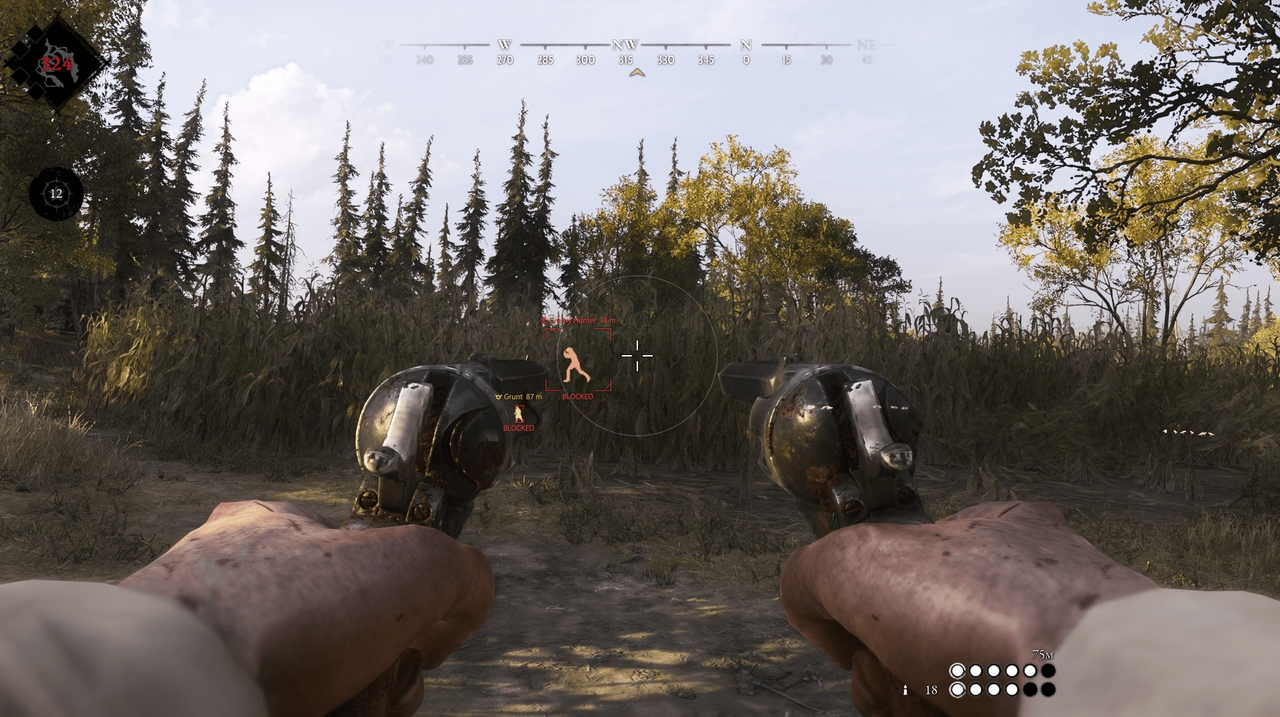
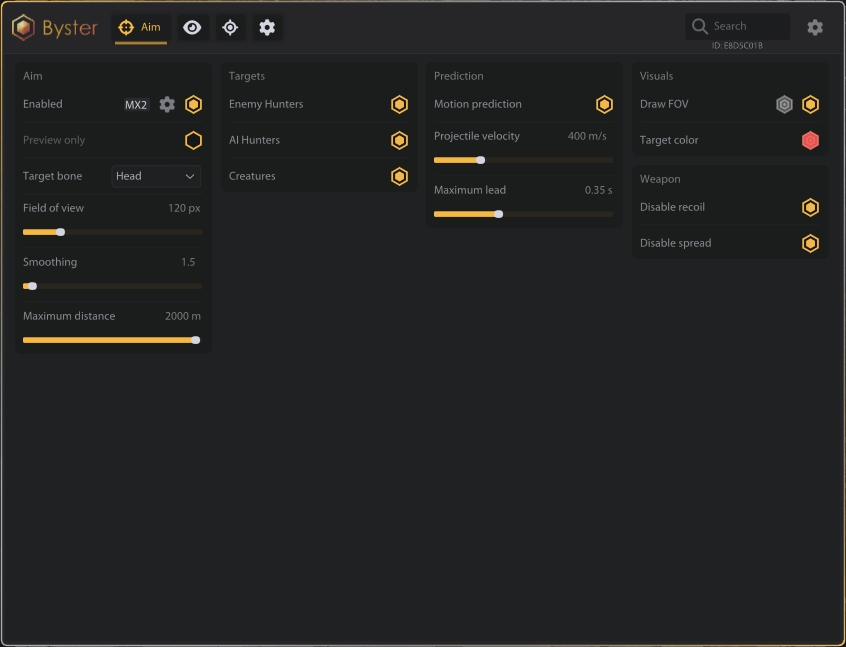
Byster Hunt is a private multi-purpose cheat for Hunt: Showdown built for PvP, boss fights and map awareness. The aimbot can target enemy hunters, AI hunters and creatures, with selectable bones, FOV, smoothing and distance. Motion prediction uses projectile velocity and maximum lead time, while No Recoil and No Spread make weapon handling more consistent.
The visual layer separates hunters, monsters, bosses and world objects. Each group has box, skeleton, distance, ESP color and through-wall Aura controls. Extraction points, supplies, weapons, rewards, Traits, hazards, projectiles and sound traps can be filtered independently. Radar tracks nearby targets, and Battle Mode clears the screen down to living enemies and hostile creatures.
System Requirements
Features
Aimbot
- Enable aimbot
- Preview-only mode
- Enemy Hunters targeting
- AI Hunters targeting
- Creatures targeting
- Target bone: Head / Chest / Pelvis / Closest
- Field of view
- Aim smoothing
- Maximum target distance
- Draw FOV and FOV color
Hunters ESP
- Enemy Hunters
- Allied Hunters
- AI Hunters
- Separate distance and color settings
Monsters and bosses
- Wild Targets
- Grunts
- Marked Monsters
- Monster Packs
- Seasonal Monsters
- Dead creatures
- Boss ESP with separate settings
Aura
- Enable target highlighting
- Highlight through obstacles
- Maximum highlight distance
- Highlight brightness
- Individual highlight colors
Camera and battle mode
- Camera FOV changer
- Enable battle mode
- Battle mode keybind
- Show only living enemies and hostile creatures
Prediction
- Target motion prediction
- Projectile velocity
- Maximum lead time
Weapon
- Disable recoil
- Disable spread
ESP settings
- Enable ESP
- Hide friendly players
- Append group to labels
- Maximum displayed elements
- Maximum ESP distance
- Box style: Corner / Full
- Skeleton and distance labels
- Individual ESP colors
World ESP
- Objectives
- Extraction Points
- Supplies
- Weapons and Equipment
- Rewards and Traits
- Traps and Hazards
- Projectiles
- Sound Traps
Radar
- Enable radar
- Field-of-view cone
- Radar size
- Radar range
- Radar opacity
- Position: Top left / Top right / Bottom left / Bottom right
Menu Screenshots
Frequently Asked Questions
What features are included in Byster Hunt?
What payment methods are accepted?
How to contact support?
Payment is confirmed, but the product is missing. How long should I wait?
I have a key. Where are the download and instructions?
After payment you will receive detailed instructions on activation, launch and use of the software.
Instructions will be sent to the email address specified before payment.
You will also find a download link and necessary components for the software.
Cheat community
Cheat updates, detection status and help from other players — in our Telegram and Discord.