Courier Rust V2
Courier Rust V2 — Aimbot, ESP, Chams, Recoil Control, NoSpread
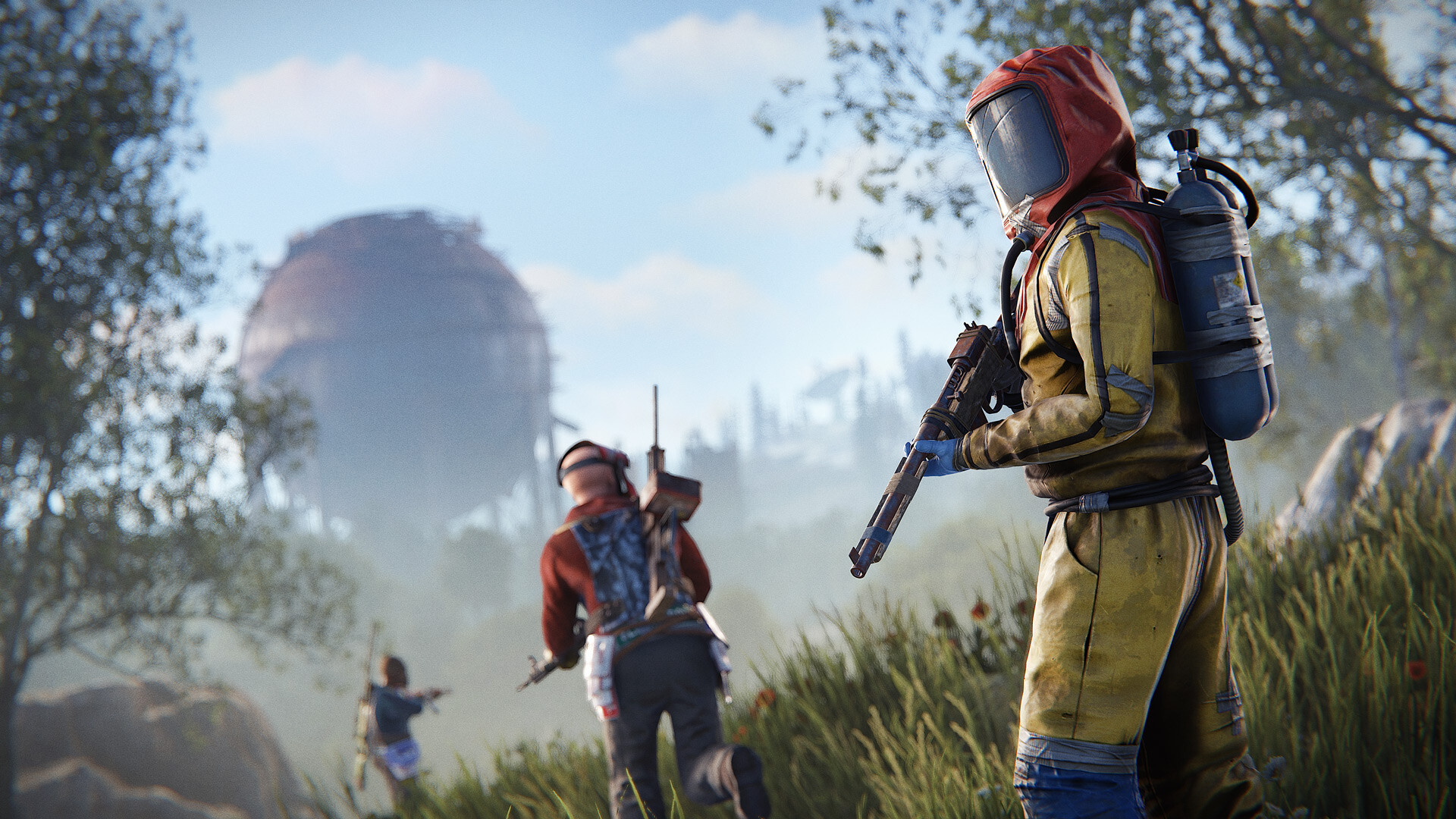
Courier Rust Cheat V2 is a full-featured external cheat for Rust: aimbot with prediction, detailed ESP, chams, weapon handling and environment tuning. It runs from a USB flash drive, installs nothing into the system and needs no BIOS changes.
AIMBOT
Two aim modes — Silent and Vector. Configure the activation key, FOV circle with drawing and size 0–1000, working distance 50–500 meters, smoothing 1–50 (Vector mode) and the hitbox: head, body, pelvis, arms, legs. Prediction accounts for bullet travel time — with Rust ballistics that is mandatory for long-range hits.
WEAPONS
Recoil reduction is adjustable from 0 to 100%, so you can leave part of the spread in and avoid looking like a robot. NoSpread removes weapon spread, auto-fire turns semi-automatic weapons full auto, Fast Bow speeds up bow draw, and fast bullets change projectile speed from 0.5 to 1.4. The Eoka has three dedicated modes: Legit, SemiRage and Instant.
ESP
Player name with custom color, boxes in three styles (normal, corner, 3D), skeleton with look-direction dot, distance and held item — each element with its own color. Flags show player state: sleeping, wounded, in a safe zone and more. The hotbar displays the enemy's 6 slots and the wearbar shows 8 clothing slots, so you see the target's gear before the fight starts.
The look alert deserves a mention: the software warns you when an enemy is looking straight at you. Filters let you ignore NPCs and sleepers, ESP distance is adjustable from 0 to 400 meters, and OOF arrows with scale 50–600 point toward off-screen targets. Chams support 10 material types, and colors for downed players, teammates, sleepers and NPCs are set separately.
ENVIRONMENT AND INTERFACE
A dedicated building layer with its own activation key, time-of-day lock 0–24 h, bright night with brightness 0–12 and custom color, Aspect Ratio 0.5–2.0. Player and world fonts are adjustable from 10 to 20, with Roboto or GeForce to choose from. A config system lets you create configs by name, load them with a click, save and delete the active one. Also included: VSync for overlay synchronization, FPS counter, toast notifications for feature toggles, and an interface in Russian or English.
INSTALLATION
Close Rust completely and disable your antivirus. In Discord, enable the in-game overlay (Settings → Game Overlay) and hardware acceleration (Settings → Advanced). Activate the key, download the loader, move it to a USB flash drive and run it as administrator. Remove the drive right after the loader starts, wait for it to finish, press OK and launch Rust — set the game to fullscreen in its settings. The menu opens with Delete.
SYSTEM REQUIREMENTS
Windows 10 and 11 up to and including build 26H2. Any Intel or AMD processor. A USB flash drive is required. No BIOS manipulation needed.
AFTER PURCHASE
You receive an activation key and access to the loader. Installation instructions are included. Contact support with any installation or configuration questions.
System Requirements
🔔 Cheat statuses update automatically from our Telegram bot via developer notifications — follow the news there. Many cheats update themselves after game changes, so a “Checking” status does not mean the cheat is broken — it is just uncertainty until confirmed. Not sure? Ask in the site chat or on our Contacts page.
Global keys — work worldwide.
Payment with a Binance card may be available for selected products. Contact us privately before buying to check availability and agree the details.
Features
Aim
- Activation key
- Aim type — Silent / Vector
- FOV circle — drawing, size 0–1000
- Distance — 50–500 m
- Prediction — bullet travel time
- Smooth — 1–50, Vector only
- Hitbox — head, body, pelvis, arms, legs
Gear & state
- Held item — custom color
- Flags — sleeping, wounded, safe zone and more
- Hotbar — 6 slots, scale
- Clothing — Wearbar, 8 slots
- Look alert — when an enemy looks at you
World
- Building — layer with activation key
- Time of day — lock 0–24 h
- Bright night — brightness 0–12, color
- Aspect Ratio — 0.5–2.0
- Fonts — players and world, 10–20
Interface
- VSync — overlay sync
- FPS — corner counter
- Toast — feature notifications
- Language — EN / RU
- Font — Roboto / GeForce
Weapons
- Recoil — reduction 0–100%
- Eoka — Legit / SemiRage / Instant
- NoSpread
- Auto — automatic fire
- Fast Bow
- Fast bullets — speed 0.5–1.4
Player ESP
- Name — nickname color
- Box — normal / corner / 3D
- Skeleton — color and look point
- Distance — custom color
- Chams — material types 1–10
Filters & range
- Filters — ignore NPCs and sleepers
- ESP distance — 0–400 m
- OOF arrows — scale 50–600
- Colors — downed, teammate, sleepers, NPC
Configs
- Create — new config by name
- Load — click a config
- Save
- Delete — active config
Customer Reviews
All reviewsFrequently Asked Questions
Is it safe to use Courier Rust V2?
How to install and launch Courier Rust V2?
Does Courier Rust V2 work after a Rust update?
What features are included in Courier Rust V2?
What payment methods are accepted?
How to contact support?
After payment you will receive detailed instructions on activation, launch and use of the software.
Instructions will be sent to the email address specified before payment.
You will also find a download link and necessary components for the software.
Cheat community
Cheat updates, detection status and help from other players — in our Telegram and Discord.