FOCUS Dead by Daylight
FOCUS — Dead by Daylight
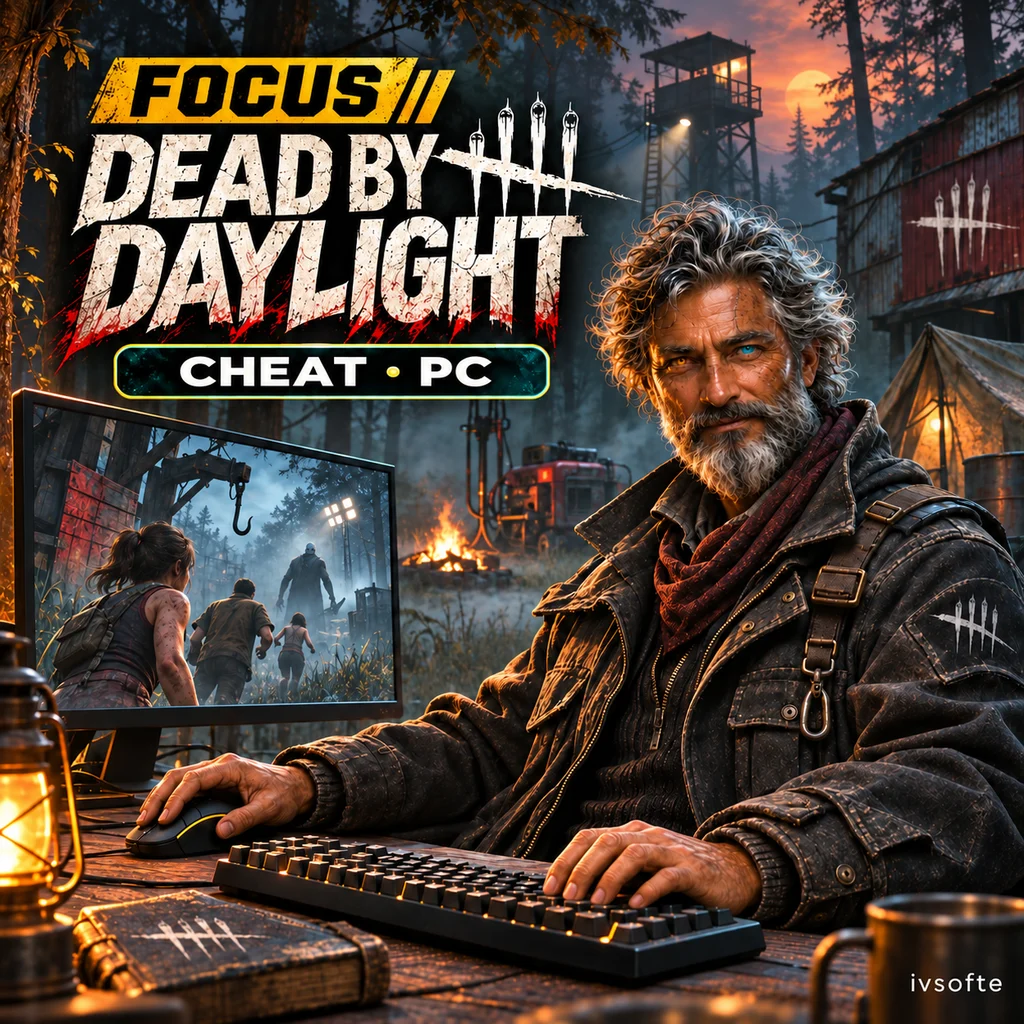
FOCUS for Dead by Daylight displays survivors, the killer and world objects, with a radar for an additional overview. Aim assistance, camera controls and separate visual settings are organized in one menu.
Choose the information you want to see and save it in configuration profiles. This version supports Epic Games on PC only; check your game client before purchasing.
Select an access period and pay for your order. Your key and instructions will appear on the IVSOFTE delivery page after payment verification. Reopening the link retrieves the same license.
System Requirements
🔔 Cheat statuses update automatically from our Telegram bot via developer notifications — follow the news there. Many cheats update themselves after game changes, so a “Checking” status does not mean the cheat is broken — it is just uncertainty until confirmed. Not sure? Ask in the site chat or on our Contacts page.
Global keys — work worldwide.
Payment with a Binance card may be available for selected products. Contact us privately before buying to check availability and agree the details.
Features
Aimbot
- Custom keybind · Right Mouse Button (Activation)
- Survivor → Killer · Killer → Survivor nearest the crosshair (Target selection)
- Head / Body (Aim at)
- Hold / Toggle / Always (Key mode)
- 2–90° (Field of view)
- 1–20 (Smoothing)
- 30–720°/s · 720 = unlimited (Max speed)
- Custom color · Fill · Fill opacity: 5–60% (Draw FOV)
- Custom color (Target line)
Visuals · Survivors 2
- Percentage (Wiggle progress)
- Repairing / Healing / Unhooking / Opening gates / Searching chests / Cleansing totems / Vaulting / Dropping pallets · Perk names (Current action)
- Snaplines
- Off-screen arrows
- Pulse / Rainbow / Wave (Box & glow animation)
- 3D model (Live preview)
Visuals · Killer 2
- Off-screen arrows
- Pulse / Rainbow / Wave (Box & glow animation)
- 3D model (Live preview)
Visuals · General
- Enable / Disable (Master ESP)
- 10–300 m (Max distance)
- Survivors / Killer / Objects (Separate distance limits)
World 1
- Not started / Repairing / Completed (Generators)
- Percentage · Bar above or below the name · Thickness: 2–8 px (Generator progress)
- Standing / Dropped (Pallets)
- Windows
- Free / Occupied (Hooks)
- Trapper / Hag · Armed / Unarmed (Killer traps)
- Dull / Hex / Boon (Totems)
- Meters (Object distance)
- Hatch
Misc · Freecam
- 150–1000% (Speed boost)
- 5–90% (Precision movement)
- Up: X · Down: Z (Vertical movement)
- Boost: Shift · Precision: Alt (Movement keys)
Misc · Unlocks
- All characters · Prestige: 0–100 · Level: 1–50 · Local display only (Prestige & level)
- All cosmetics (Unlock all skins)
- Tier 3 · Online matches (Unlock all perks)
- Return to the main menu, then re-enter (Apply unlocks)
Players
- Lobby & match (Player list)
- Character · Name · Platform · Ping (Player details)
- Prestige · Level (Character progression)
- Perks · Item or Killer power · Add-ons · Offering · Outfit (Loadout)
- Match result
Configs
- Create / Save / Load / Delete (Named configurations)
Visuals · Survivors 1
- Enable / Disable · Custom color (Survivor ESP)
- Full / Corners · Fill · Opacity: 5–80% · Thickness: 1–4 px (Box)
- Outline · Fill (Glow)
- Animation · Joint dots (Skeleton)
- Head circle
- Name
- Meters (Distance)
- Healthy / Injured / Downed · Side health bar · Label below name (Health state)
- Injured / Downed / Hooked / Carried / Dead · Dead players remain visible in gray (State colors)
Visuals · Killer 1
- Enable / Disable · Custom color (Killer ESP)
- Full / Corners · Fill · Opacity: 5–80% · Thickness: 1–4 px (Box)
- Outline · Fill (Glow)
- Animation · Joint dots (Skeleton)
- Head circle
- Name
- Meters (Distance)
- Current action
- Snaplines
Visuals · Radar
- Enable / Disable · Drag and resize while the menu is open (Radar)
- 16–160 m (Max distance)
- 120–520 px (Size)
- Survivors / Killer (Player filters)
- Generators / Pallets / Hooks / Totems / Exit gates / Hatch / Chests / Windows (Object filters)
World 2
- Exit gates
- Closed / Open (Chests)
- Lockers
- Breakable walls
- Cenobite boxes
- Ground items
- Generators / Pallets / Hooks / Lockers / Traps / Exit gates / Chests (Object silhouettes)
- Silhouette fill
Misc · Camera
- 60–150° (FOV changer)
- Brightness: 1–6 (Fullbright)
- F2 · WASD movement · Fly speed: 2–60 m/s (Freecam)
- Color · Length · Gap · Thickness · Center dot · Outline (Crosshair)
Misc · Assist
- Great / Good / Random (Auto skill check)
- 100–110% · Survivor & Killer (Character speed)
- Killer only · Hits / Misses / Blocks (No attack cooldown)
- Killer only · 0–100% · 0% = no wiggle sway (Wiggle impulse)
Misc · Menu
- Home (Menu key)
- 6 presets · Custom color (Accent)
- English / Russian (Language)
- 60–120% (Menu scale)
- Reset menu settings
- Corner · Logo · Game FPS · Ping · 12 / 24-hour clock (Watermark)
Customer Reviews
All reviewsFrequently Asked Questions
What features are included in FOCUS Dead by Daylight?
What payment methods are accepted?
How to contact support?
Payment is confirmed, but the product is missing. How long should I wait?
I have a key. Where are the download and instructions?
Select an access period and pay for your order. Your key and instructions will appear on the IVSOFTE delivery page after payment verification. Reopening the link retrieves the same license.
Cheat community
Cheat updates, detection status and help from other players — in our Telegram and Discord.