Select an image to view it larger.
Mason Bodycam
Buy Mason for Bodycam — Aimbot, ESP and radar
Global keys — work worldwide.
Payment with a Binance card may be available for selected products. Contact us privately before buying to check availability and agree the details.
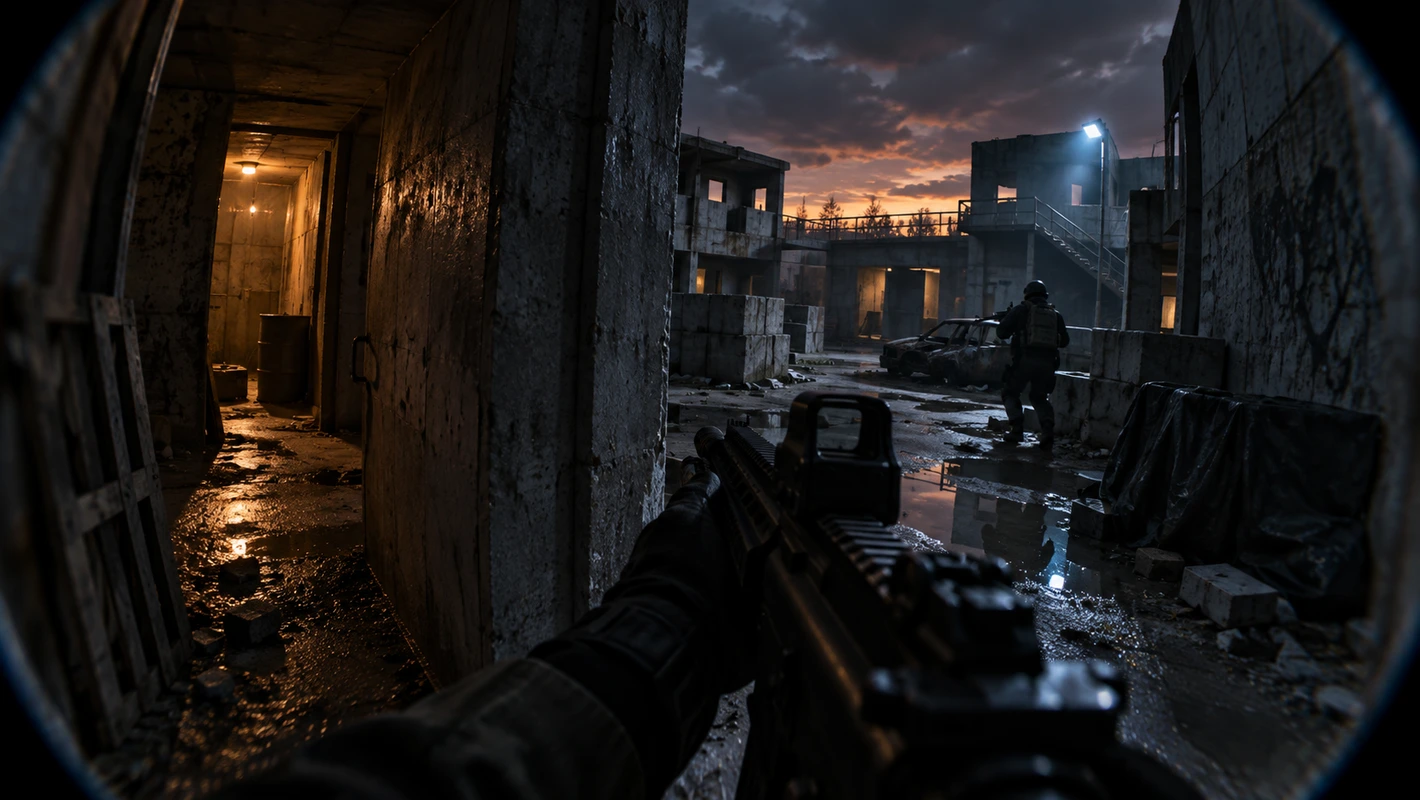
Mason for Bodycam combines a configurable Aimbot, player ESP and an on-screen radar. Aiming controls cover the activation key, radius and target area. ESP can show boxes, names, health, skeletons, snaplines, distance and a maximum display range.
Configuration tools include a CPU-saving mode, menu and panic keys, and loading or saving a configuration through the clipboard. The interface can draw the Aimbot radius and an additional crosshair and lets you adjust radar size and radius.
The stated compatibility covers the Steam version, windowed or borderless mode, Windows 10/11 x64, Intel and AMD processors, UEFI/GPT, enabled VT-x or VT-d and Hyper-V, and disabled Secure Boot. Mason lists BattlEye support and capture hiding. Third-party software still carries a risk of an account restriction, so zero risk cannot be guaranteed.
System Requirements
What statuses mean
🔔 Cheat statuses update automatically from our Telegram bot via developer notifications — follow the news there. Many cheats update themselves after game changes, so a “Checking” status does not mean the cheat is broken — it is just uncertainty until confirmed. Not sure? Ask in the site chat or on our Contacts page.
Features
Aimbot
- Enabled / Enable automatic aiming
- Aim key / Choose the Aimbot activation key
- Aim radius / Set the Aimbot radius
- Aim spot / Choose the target area
Configuration
- Save CPU / Reduce CPU load
- Menu key / Choose the menu key
- Panic key / Choose the emergency disable key
- Load config from clipboard / Load a configuration from the clipboard
- Save config to clipboard / Save a configuration to the clipboard
Player ESP
- Enabled / Enable player ESP
- Show bounding box / Draw a box around a player
- Show name / Show the player name
- Show health / Show player health
- Show skeleton / Show the player skeleton
- Show snapline / Draw a line to the player
- Show distance / Show the distance to the player
- Player distance limit / Set the maximum player display distance
Interface and radar
- Show aim radius / Draw the Aimbot radius
- Show crosshair / Draw an additional crosshair
- Enable radar / Enable the radar
- Radar size / Set the radar size
- Radar radius / Set the radar radius
The feature set may change at the developer’s discretion; this listing follows the confirmed source information.
Customer Reviews
All reviewsFrequently Asked Questions
What features are included in Mason Bodycam?
What payment methods are accepted?
How to contact support?
Payment is confirmed, but the product is missing. How long should I wait?
I have a key. Where are the download and instructions?
After payment you will receive detailed instructions on activation, launch and use of the software.
Instructions will be sent to the email address specified before payment.
You will also find a download link and necessary components for the software.
Cheat community
Cheat updates, detection status and help from other players — in our Telegram and Discord.