Select an image to view it larger.
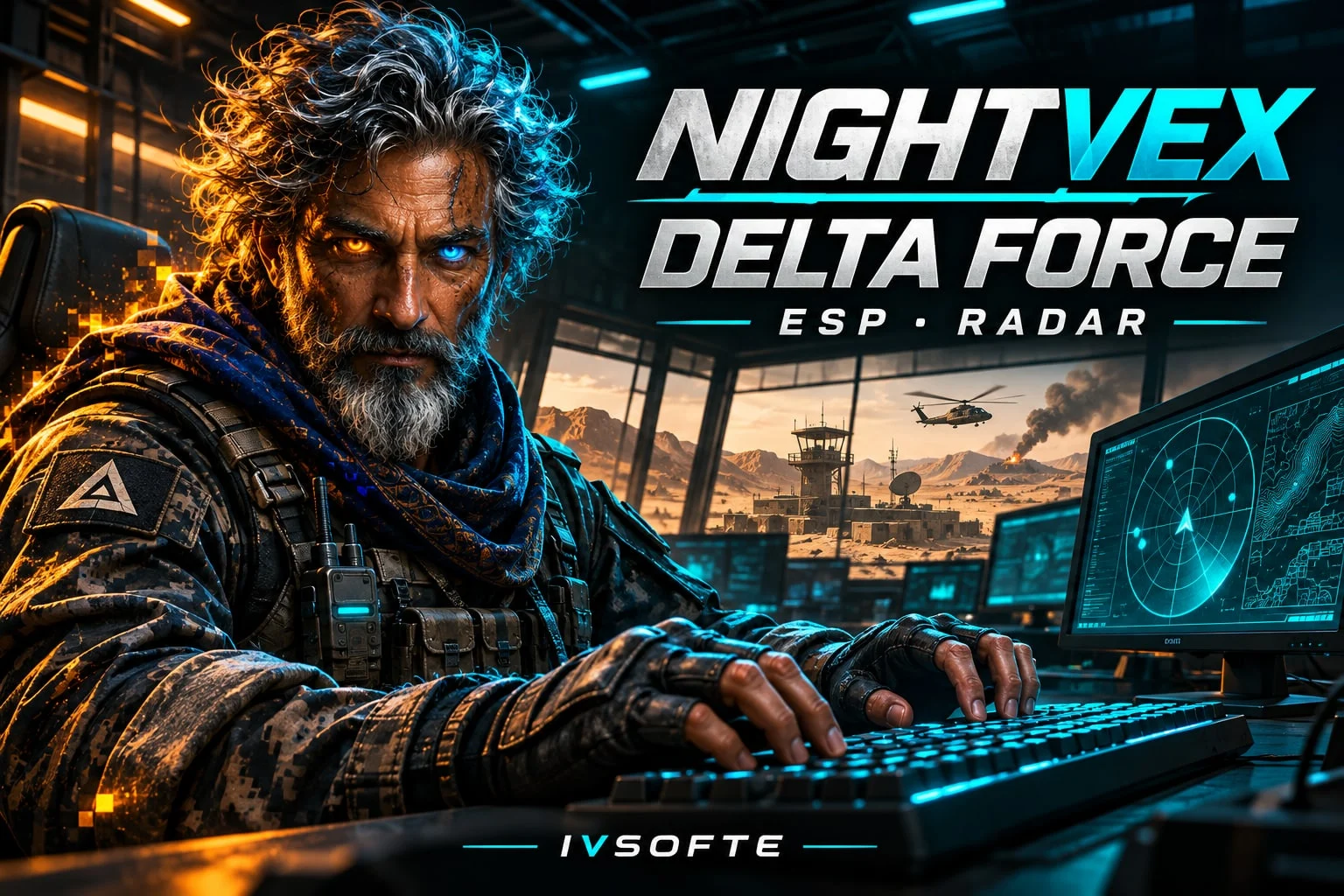
Nightvex Delta Force ESP
Nightvex Delta Force ESP — player and bot overlays, mini radar
Global keys — work worldwide.
Payment with a Binance card may be available for selected products. Contact us privately before buying to check availability and agree the details.
Nightvex Delta Force ESP displays players and bots through walls with boxes, skeletons, health, armor and distance. Individual switches let you keep only the information you need. The mini radar shows targets and your own position.
System Requirements
What statuses mean
🔔 Cheat statuses update automatically from our Telegram bot via developer notifications — follow the news there. Many cheats update themselves after game changes, so a “Checking” status does not mean the cheat is broken — it is just uncertainty until confirmed. Not sure? Ask in the site chat or on our Contacts page.
Features
Players
- Enable player overlays (Enable)
- Box around the target (Box)
- Bone lines over the model (Skeleton)
- Nickname above the box (Name)
- Team tag beside the nickname (Team)
- Numeric health value (Health)
- Vertical health bar to the left of the box (HP Bar)
- Helmet and vest icons (Armor)
- Target distance in meters (Distance)
Mini radar
- Radar overlay over the game (Show radar)
- Live player dots (Show Players)
- Bot dots (Show bots)
- Your own position
- Distance rings
- Choose a screen corner
- World radius up to 150+ meters
- Adjust radar size in pixels
Bots
- Enable bot overlays separately (Enable)
- Bot boxes (Box)
- Bot skeletons (Skeleton)
- Numeric bot health (Health)
- Bot health bar (HP Bar)
- Bot armor icons (Armor)
- Distance to bots (Distance)
- Highlight corpses with loot (Corpses)
- Filter bots by NPC type (Bot Types)
Interface and recording
- Russian and English interface, switchable on the fly
- Change settings during gameplay
- Press Home to open or close the settings panel
- According to the developer, Protection from recording hides the overlay from OBS, ShadowPlay, Discord and PrintScreen when enabled
Customer Reviews
All reviewsFrequently Asked Questions
What features are included in Nightvex Delta Force ESP?
What payment methods are accepted?
How to contact support?
Payment is confirmed, but the product is missing. How long should I wait?
I have a key. Where are the download and instructions?
After payment you will receive detailed instructions on activation, launch and use of the software.
Instructions will be sent to the email address specified before payment.
You will also find a download link and necessary components for the software.
Cheat community
Cheat updates, detection status and help from other players — in our Telegram and Discord.