YQ CMD for PUBG
YQ CMD PUBG — toggleable wallhack and adjustable no-recoil
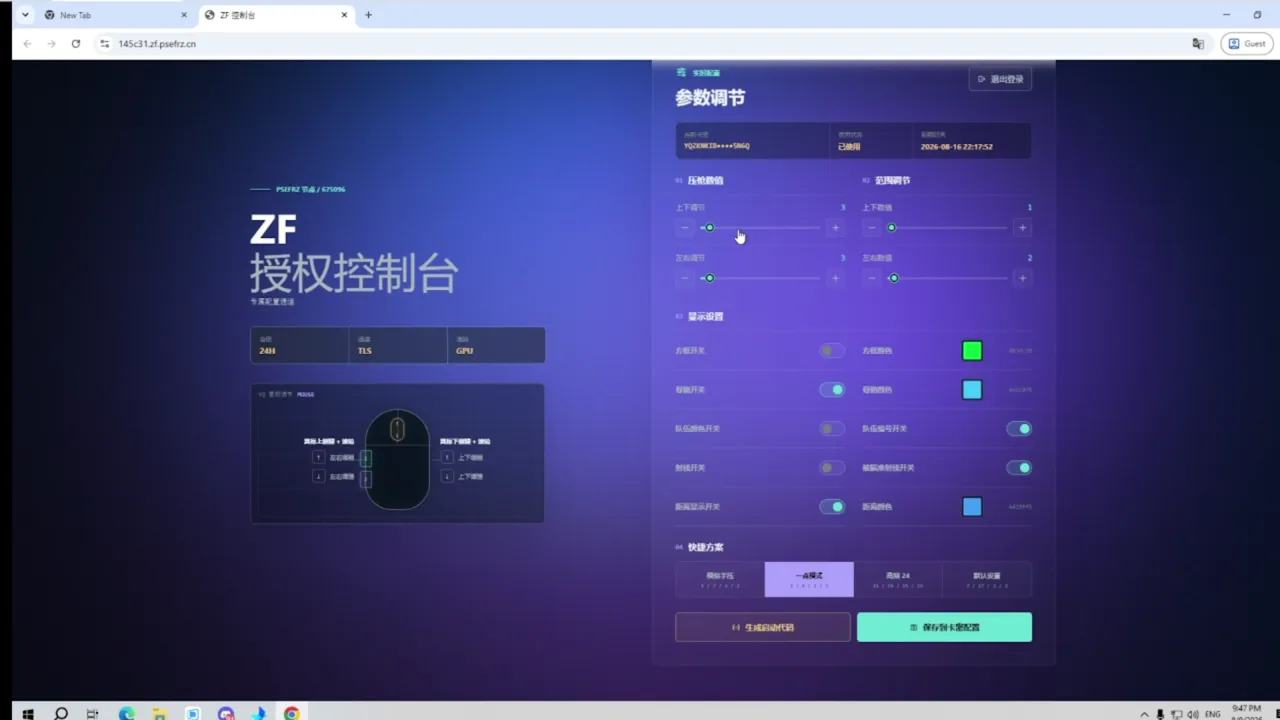
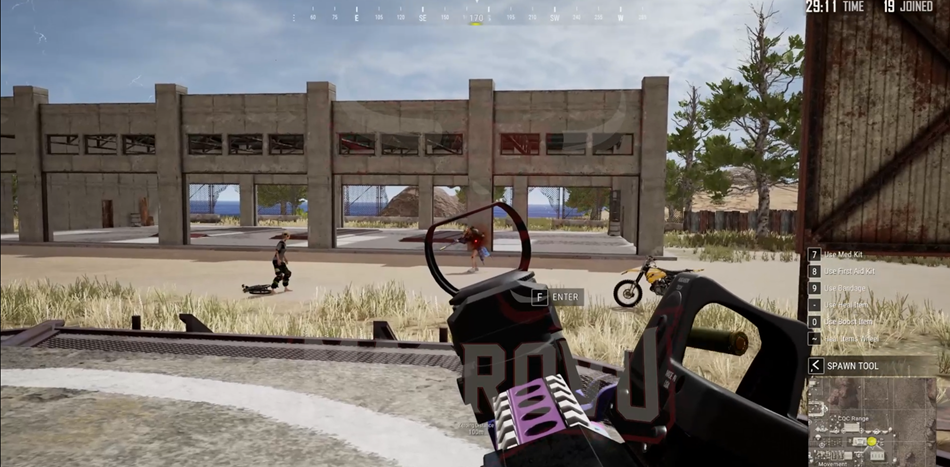
YQ CMD — a private PUBG build from the developer behind CMD Macro and CMD Full. The wallhack can be switched on and off mid-match, and recoil compensation is adjustable from 0 to 100% — the same algorithm as in CMD Macro. One PowerShell command to launch, no game files modified.
Three builds from one developer:
- CMD Macro PUBG — recoil macro only, minimal feature set, lowest price.
- YQ CMD PUBG (this page) — toggleable wallhack plus the same 0–100% recoil compensation as CMD Macro.
- CMD Full PUBG — the full kit: ESP (skeleton, HP) and an aimbot with body-part switching.
Three plans available: 8 hours, 1 day and 7 days.
Dashboard and download: https://vn.top666666.win/. System requirements, activation steps and settings are in the step-by-step guide.
Disabling or removing protection increases the risk of computer infection. A compatibility requirement does not establish that a file is safe. If your browser or antivirus displays a warning, stop the download or launch and send support the threat name and file source. Do not bypass the warning or restore a quarantined file without verification.
System Requirements
🔔 Cheat statuses update automatically from our Telegram bot via developer notifications — follow the news there. Many cheats update themselves after game changes, so a “Checking” status does not mean the cheat is broken — it is just uncertainty until confirmed. Not sure? Ask in the site chat or on our Contacts page.
Global keys — work worldwide.
Payment with a Binance card may be available for selected products. Contact us privately before buying to check availability and agree the details.
Features
Wallhack
- See opponents through walls
- Wallhack toggles on and off with a hotkey — play clean and enable visuals only when you need them
- The current key combination is shown in your dashboard after the key is activated
Technology
- PowerShell-based launch (as Administrator) — no game file changes
- Web control panel at vn.top666666.win
- Compatible with Intel and AMD
- Windows 10 and all Windows 11 builds (x64)
Recoil & ease of use
- Adjustable recoil reduction from 0–100%, fully customizable
- Very easy to activate and use
- After launch — play as usual, no complicated menu in combat
Updates
- Regular updates from the developer
- Same developer as CMD Macro PUBG / CMD Full PUBG — cross-linked on our site
Plans
- 8 hours
- 1 day
- 7 days
Customer Reviews
All reviewsFrequently Asked Questions
What features are included in YQ CMD?
What payment methods are accepted?
How to contact support?
Payment is confirmed, but the product is missing. How long should I wait?
I have a key. Where are the download and instructions?
After payment you will receive detailed instructions on activation, launch and use of the software.
Instructions will be sent to the email address specified before payment.
You will also find a download link and necessary components for the software.
Cheat community
Cheats for PUBG and PUBG Mobile: updates, detection status and a players' chat.