Mason Internal for Rust
Mason RUST Internal - Buy Private Cheat for Rust
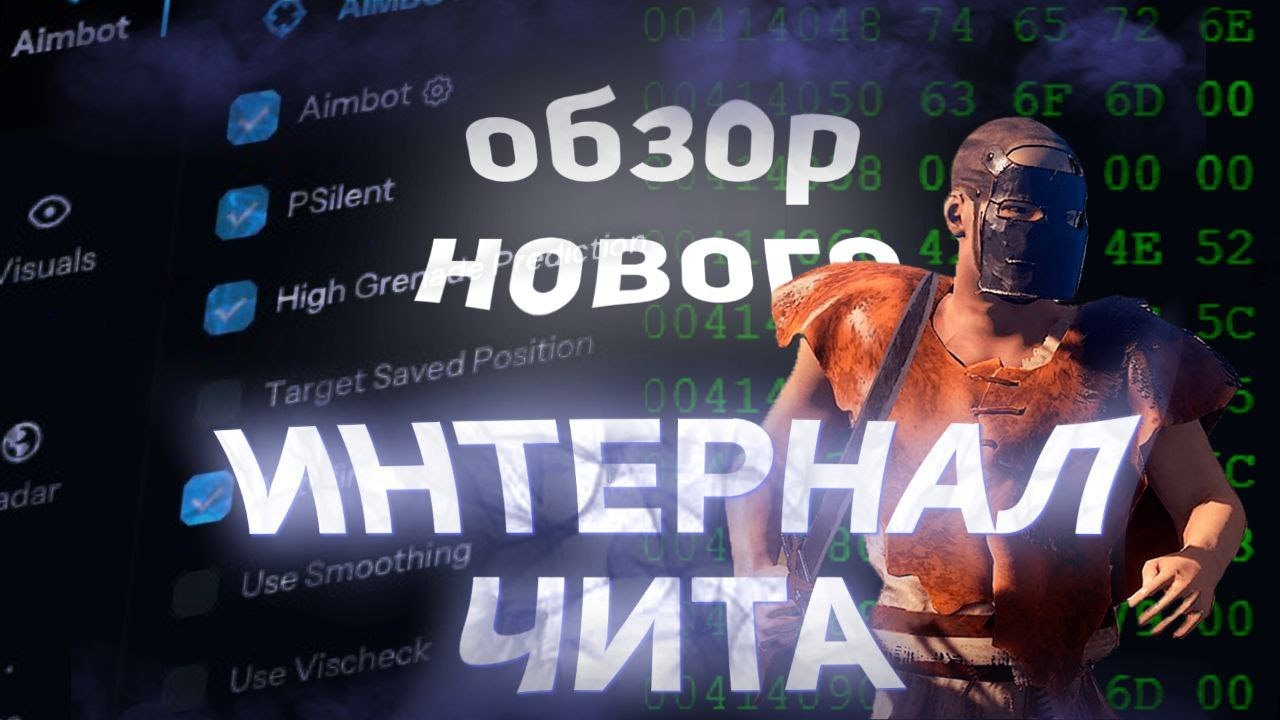
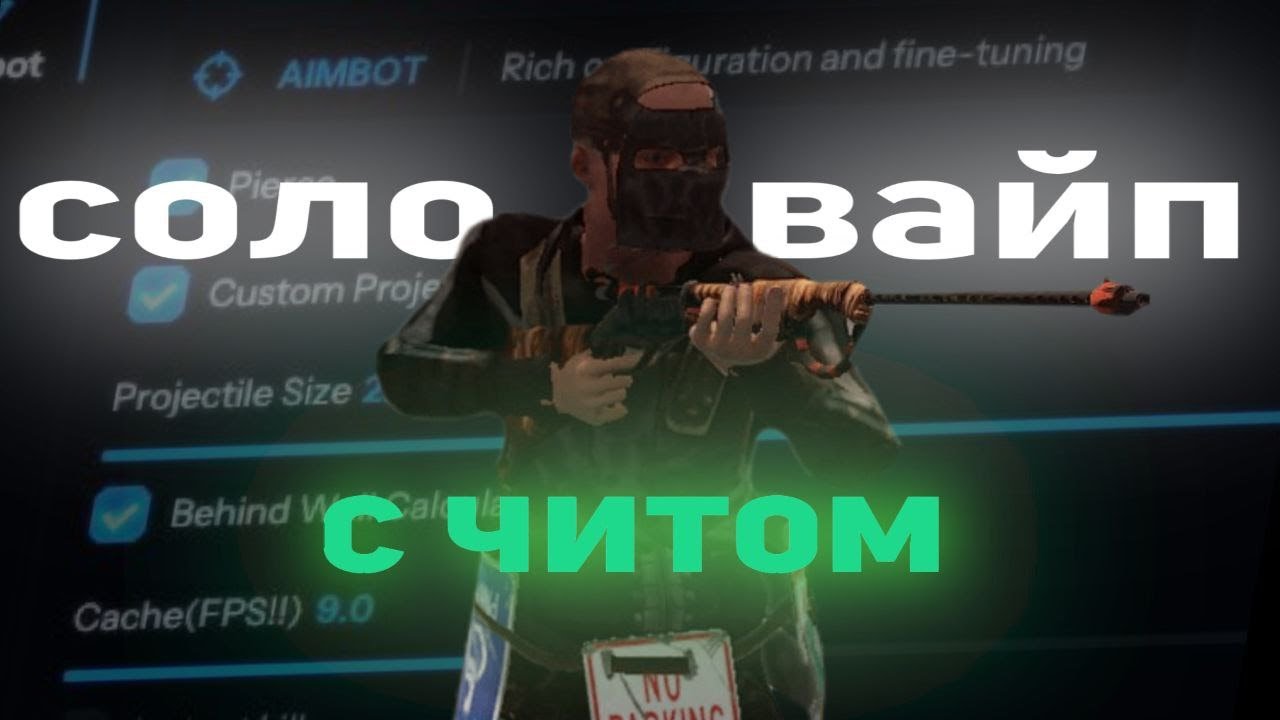
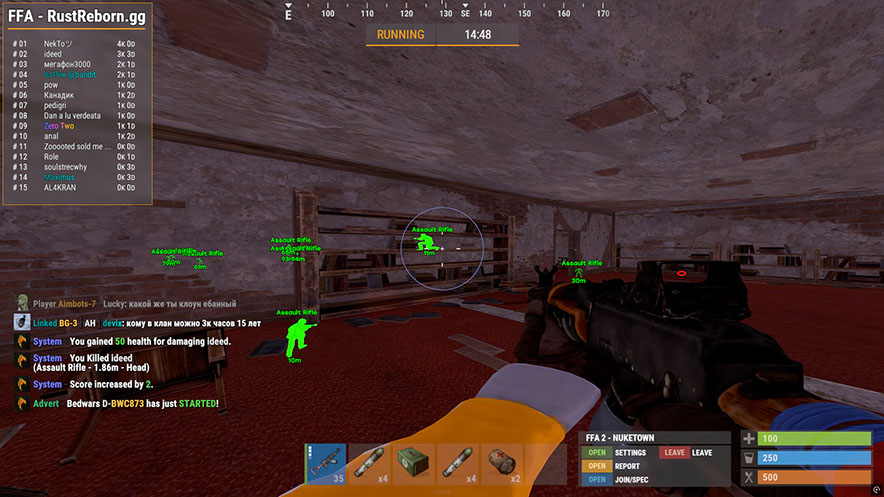
Mason RUST Internal is a private internal cheat for Rust featuring an extensive toolkit: advanced Aimbot with PSilent and grenade prediction, full visual suite (Player ESP, World ESP, Loot ESP, in-game radar), recoil control and shooting modifications, plus an automation module — from auto-fishing and auto-looting to building upgrades and code lock brute-forcing.
The software includes a built-in Anti-Violations system that protects against Easy Anti-Cheat detection. A USB flash drive is required to launch. Intel and AMD processors are supported on Windows 10/11 x64.
Distributed with a limited number of users to minimize risks. Every feature is fully customizable — Rage, Legit and SemiRage profiles are available with config saving. Regular updates ensure stable operation after game patches.
System Requirements
🔔 Cheat statuses update automatically from our Telegram bot via developer notifications — follow the news there. Many cheats update themselves after game changes, so a “Checking” status does not mean the cheat is broken — it is just uncertainty until confirmed. Not sure? Ask in the site chat or on our Contacts page.
Global keys — work worldwide.
If your bank card doesn't work with our payment system, you can pay using a Binance Gift Card (USDT).
This method has a fixed +10% service fee. Promo codes and discounts cannot be applied.
- Contact us to confirm that this payment method is available for the product you want
- Buy a Binance Gift Card (USDT) for the required amount on any marketplace in your country (Paxful, Binance, or local resellers) — using any payment method convenient for you
- Send the gift card code to us — and we'll activate your purchase and deliver the product
USDT (TRC-20) is also available as a payment option at checkout — without the extra fee.
Features
Aimbot
- Aimbot — snaps onto your target (custom hotkey)
- PSilent — curves projectiles towards the target (custom hotkey)
- High Grenade Prediction — forces prediction to find a valid hit point from a higher angle
- Target Saved Position — targets your current saved position on the map
- Use Smoothing — humanizes the aimbot for natural behavior
- Use Vischeck — only targets visible players
- AutoFire — automatically shoots when the target is hittable
- Hit Chance — makes some shots miss (PSilent only, slider for %)
- Keep Target — keeps the target locked even if out of FOV
- Smooth — customizable smoothing value
- Aimbone — choose bones to aim at (Head, Neck, Spine, Lower Spine, Pelvis, Hitscan Priority)
- Secondary Aimbone — secondary bone for aiming with priority settings
- Custom Projectiles — projectiles hit if near target (larger on mounted players)
- Legit Bullet TP — decreases projectile size for legitimacy
- Behind Wall Calculations — auto-calculates where PSilent should target behind objects
- Heli Magic — expands helicopter hitbox
- Desync On Keypress — activates desync while pressing aim key
- Bone Override, Heli Rotor Override — overrides hitbone targeting
- Pierce Hitbone — choose hitbone for projectiles (Head, Chest, Hand, Foot, Rand, etc.)
- Hit Material — select projectile material (Generic, Glass, Metal, Wood, Flesh, Dirt, Snow)
- Crosshair — customizable crosshair (Cross, Thick Cross, Dot) with color options
- FOV — adjustable field of view for aimbot with size and color settings
- Simulate Projectile — draws where the projectile will land
- Predicted Marker — draws where you need to aim to hit the target
- Target Snapline — draws a line from crosshair to target
World ESP
- Disable ESP Map — disables all ESP when map is open
- Battlemode — disables every item ESP on keypress
- Point Of Interest — generates marker on map at saved position
- Raids — enables ESP for raids from any distance, adjustable time
- Save Position / Save House — ESP for saved position and house
Deployables
- Recycler, Cupboard (HealthBar, Upkeep, ShowID)
- Stashes (Unhidden/Local), Sleeping Bag
- RF Receiver / Broadcaster, HBHF / Seismic Sensor
- Large Battery, Workbench Tier 2/3
- SamSite ESP (cached positions saved to config)
- Deployable Chams — chams for deployables
Radar
- Mini-radar: players, scientists, other entities with color customization
- Cross, background, range circles, text, direction display
- In-game radar — players and scientists on map
- Local stashes and raids on map
- Adjustable sizes: radar, marker length/thickness, circle sizes
MISC
- Debug Camera — free camera position (custom hotkey)
- Instant Loot / Pickup — instantly loots items from boxes and ground
- Replace Door — replaces door with one in your hand
- Fast Place — decreases placement time for high walls
- Instant Revive — instantly revives players (Everyone or Friends Only)
- Suicide — breaks legs to suicide (custom hotkey)
- Open Crates — opens unopened crates
- No Spike/Landmine Collision — walk on traps without damage
- Anti Violations — prevents generating violations (Flyhack, Noclip, Speed, etc.)
- Anti AFK — prevents AFK kick
- Flyhack — fly with WASD keys (adjustable speed)
- Disable Collisions / Interactive Noclip — clip through objects
- Teleport — teleports 5 meters up/down
- Omni Sprint — sprint in any direction
- Dick Mode — invisible (character buried in ground)
- Walk on Water, Infinite Jump, Spinbot
- No Fall — no fall damage, No Collision — walk through players
- No Drag — walk through spikes/fire without slowdown
- No Minigun Spinup — shoot minigun instantly
- Weapon Spammer — spam shooting animation (hotkey)
Automation 2
- Stack Items — auto craft selected items (Metal, Wood, Stone)
- Auto Loot / Silent Loot — auto loot containers (Weapons, Resources, Ammo)
- Auto Lock — auto lock nearby code locks, Steal Unlocked — copies code
- Auto Auth — auto authorize on nearby cupboards
- Cancel / Reset Crafting — cancel and reset crafting timers
- Drop Inventory / Drop Container — drop inventory/container items
- Refill Jackhammer — auto refill jackhammer near workbench
- Keep In Handcuffs / Instant Release / Spam Handcuffs — handcuff management
- Steal Players — mounts nearby players to your vehicle
Recoil & Shooting
- Recoil X / Y — adjust recoil in X and Y axes
- No Sway — removes weapon sway
- Spread — modifies projectile spread (0 for none, 100 for max)
- No Weapon Bob — removes weapon bob
- No Bolt Cycle — shoot without bolt cycle in bolt action rifles
- Unlock Angles — turn while mounted (via hotkey)
- No Melee Punch / Slowdown — removes melee recoil and slowdown
- Fast Bow — instant bow shot on left mouse button press
- Instant Charge — instantly charges compound bow
- No Movement Penalty — walk/run while charging compound bow
- Full Auto — makes any gun fully automatic
- Projectile Speed — changes projectile speed
- Can Shoot — shoot while swimming, climbing, etc.
- Aim in Mountable — aiming in mounted vehicles
Player ESP
- Player and Scientist (NPC) ESP with customizable colors
- Name, Distance, TeamID — player names, distance, team IDs
- Box — corner box around players
- View Direction — draws the direction player is looking
- Skeleton — player skeleton with adjustable thickness
- HeldItem — shows held item, Hotbar — inventory, clothing
- Team/Enemy — ESP for teammates and enemies with color customization and hotkey
- Wounded/Dead/Sleeping — ESP for wounded, dead, sleeping players
- Online Sleeper — only draws sleeping player if connected to server
- Safezone, Outside, OOF — safezone and out-of-FOV indicators
- Viscolor — customize visibility color
- Player Chams — player model highlighting (Lightning, Fire, etc.)
- Disable Player Culling — disables culling for players
- Adjustable draw distance for players and NPCs, text spacing
Vehicles
- Patrol Helicopter, Bradley, Drones, Cargo Ship
- Minicopter, Scrap Heli, Rowboat, Submarine
- Attack Helicopter, Tug Boat, Pedal Bikes, Motor Bikes
- Vehicle Chams — chams for vehicles with material selection
- Adjustable draw distance for vehicles
ESP Loot
- Ore Chams — chams for ores (Lightning, LightGlow, Flame, etc.)
- Node Path — draws line to closest ore, adjustable distance
- Hemp, Stone, Metal, Sulfur, Wood, Diesel
- Berries (BlackBerry, BlueBerry, etc.), Corn, Mushroom, Pumpkin, Potato
- Food Chams — chams for food with material selection
- Bear, Boar, Stag, Wolf, Horse, Shark
- Animal Chams — chams for animals, health display (HealthBar/HealthText)
- Airdrop, Locked/Normal/Military/Elite Crate
- Tool, Advanced Water, Basic Water, Medical, Food, Basic Crate
- Normal Barrel, Oil Barrel, Container Chams
- Player/Scientist/Animal Corpse, Backpacks, Dropped Items
- Item categories for dropped items (Weapon, Construction, Resources, etc.)
Melee Combat
- Melee Players — auto strikes on players (Head, Chest, Hand, Foot, etc.)
- Melee Trees / Ores — auto tree cutting and ore mining
- Melee Helicopter — hits helicopter with extended range
- Auto Strike — automatically strikes when near target
- BruteForce Codelocks — brute forces code locks for code raiding
- Silent Mode — silent melee mode
- Custom Melee Effects — change hit effects (Glass, Water, Tree, Metal, etc.)
- Fast Auto Heal — fast healing animation
- Eoka Modifications — Eoka mode (Legit, Rage, NeverHit, adjustable %)
Automation
- Auto Upgrade — automatically upgrades buildings (from/to grade selection)
- Auto Reel Fish / Auto Cast Rod — automatic fishing
- Legit Mode — slower, more legitimate fishing
- Visualize Tension — displays fishing line tension
- Auto Deposit Fish / Broke Rods — deposits fish and broken rods into boxes
- Auto Loot Rods / Auto Reload Bait — loots rods and reloads bait from box
- Auto Heal / Auto Drink — auto healing and drinking
- Auto Collect / Auto Eat — auto collect and eat (Hemp, Stone, Metal, etc.)
- Spam Torch — instantly toggle torch on/off
- Auto Reply — auto-responds to chat messages (requires API)
Settings
- Configurations: Rage, Legit, SemiRage, Extra 1/2/3 (Load/Save)
- Font settings: font selection, size for players, entities, warnings
- Menu Key — hotkey for menu, Menu Scale — scale (100–150%)
- Favorites, sliders, dropdowns, panels, toggles
Customer Reviews
All reviewsFrequently Asked Questions
Is it safe to use Mason Internal?
How to install and launch Mason Internal?
Does Mason Internal work after a Rust update?
What features are included in Mason Internal?
What payment methods are accepted?
How to contact support?
After payment you will receive detailed instructions on activation, launch and use of the software.
Instructions will be sent to the email address specified before payment.
You will also find a download link and necessary components for the software.
Cheat community
Cheat updates, detection status and help from other players — in our Telegram and Discord.