Mason Internal cho Rust
Mason RUST Internal - Mua cheat riêng tư cho Rust
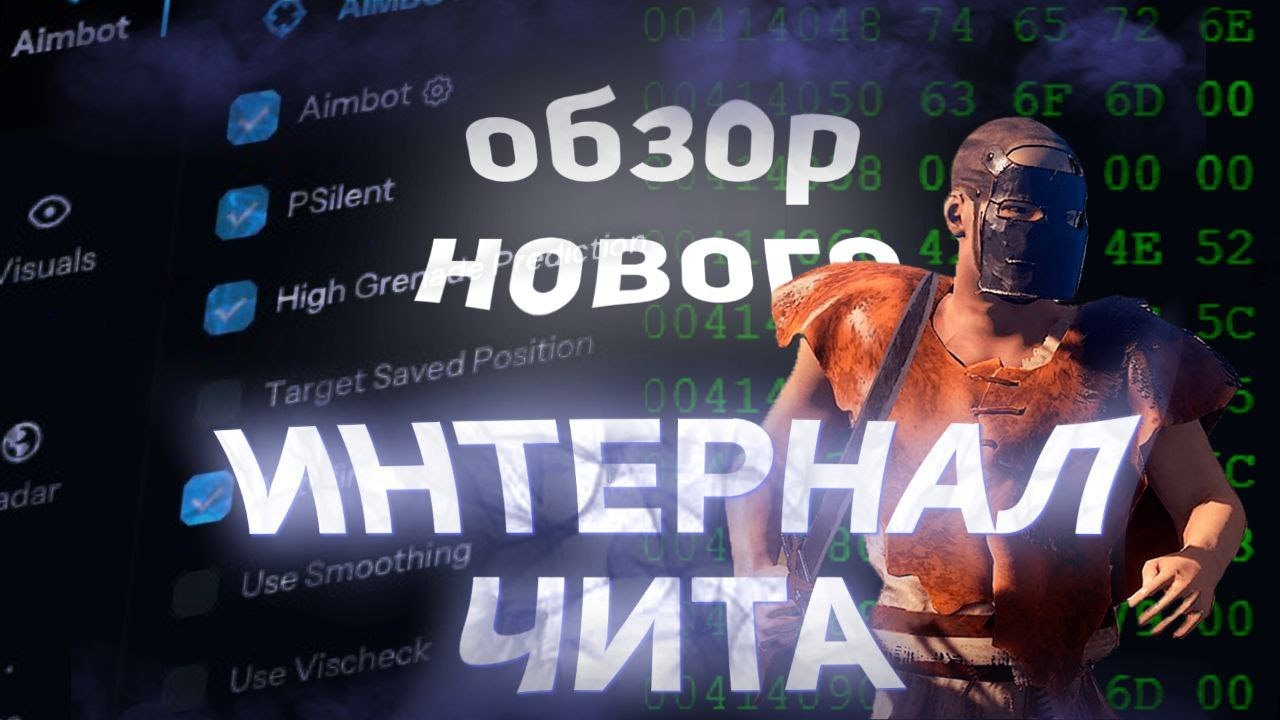
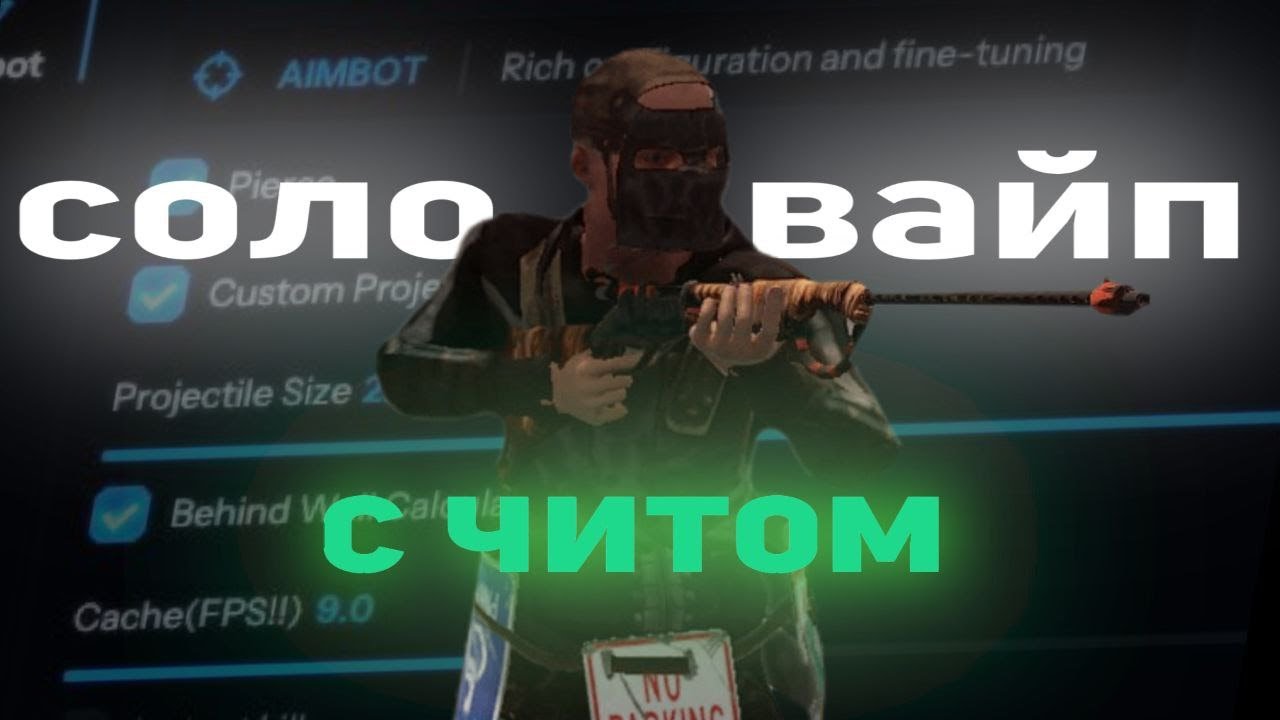
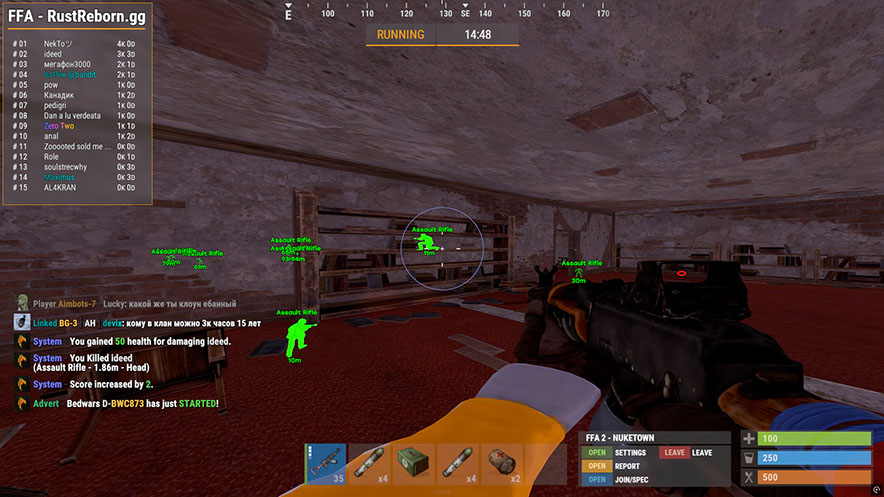
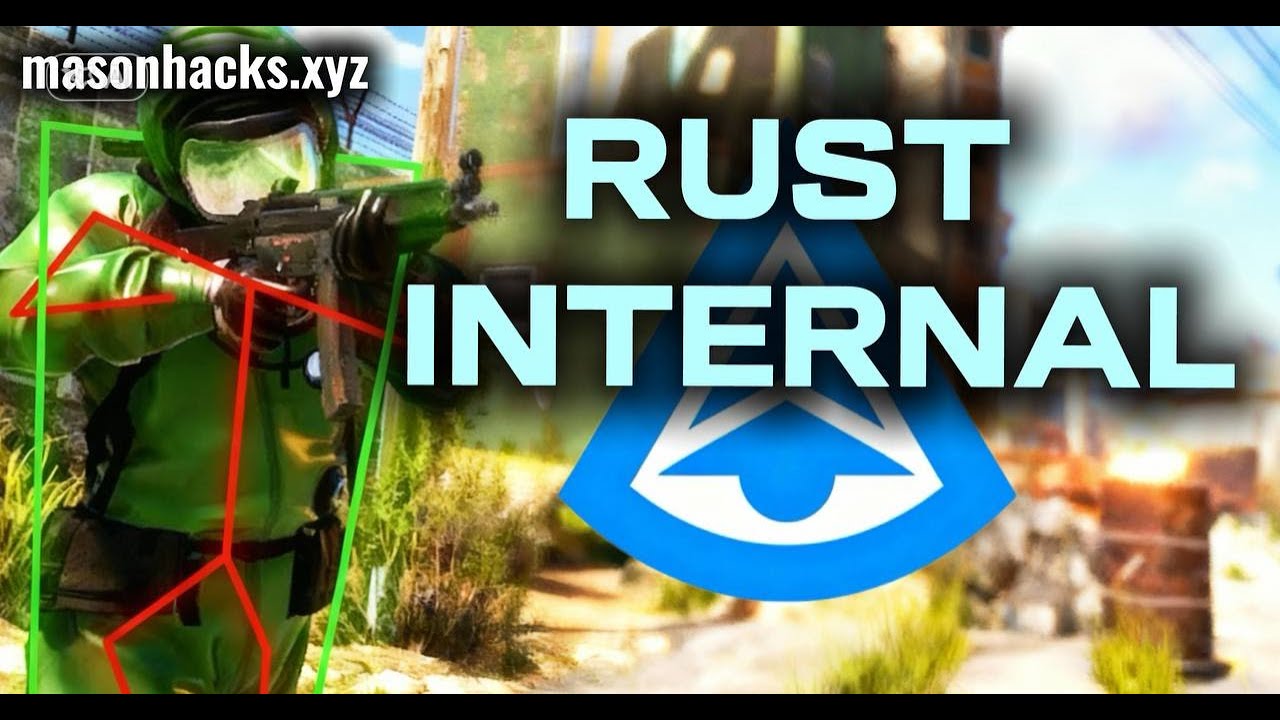
Mason RUST Internal là một trò gian lận nội bộ riêng dành cho Rust, bao gồm một bộ công cụ mở rộng: Aimbot nâng cao với PSilent và dự đoán lựu đạn, bộ hình ảnh đầy đủ (Player ESP, World ESP, Loot ESP, radar trong trò chơi), kiểm soát độ giật và sửa đổi cách bắn, cùng với một mô-đun tự động hóa — từ tự động câu cá và tự động cướp bóc đến nâng cấp tòa nhà và khóa mã cưỡng bức.
Phần mềm bao gồm hệ thống Chống vi phạm tích hợp giúp bảo vệ khỏi bị phát hiện Chống gian lận dễ dàng. Cần có ổ flash USB để khởi chạy. Bộ xử lý Intel và AMD được hỗ trợ trên Windows 10/11 x64.
Được phân phối với số lượng người dùng hạn chế để giảm thiểu rủi ro. Mọi tính năng đều có thể tùy chỉnh hoàn toàn - Cấu hình Rage, Legit và SemiRage có sẵn với chức năng lưu cấu hình. Cập nhật thường xuyên đảm bảo hoạt động ổn định sau các bản vá lỗi trò chơi.
Yêu cầu hệ thống
🔔 Trạng thái cheat cập nhật tự động từ bot Telegram của chúng tôi theo thông báo của nhà phát triển — hãy theo dõi tin tức ở đó. Nhiều cheat tự cập nhật sau khi game thay đổi, nên trạng thái «Đang kiểm tra» không có nghĩa là cheat không hoạt động — chỉ là chưa chắc chắn cho đến khi được xác nhận. Không chắc? Hỏi trong chat trên trang hoặc xem Liên hệ.
Key toàn cầu — hoạt động trên toàn thế giới.
Nếu thẻ ngân hàng của bạn không hoạt động với hệ thống thanh toán của chúng tôi, bạn có thể thanh toán bằng Binance Gift Card (USDT).
Phương thức này có phụ phí cố định +10%. Mã khuyến mãi và giảm giá không được áp dụng.
- Liên hệ với chúng tôi để xác nhận phương thức thanh toán này có khả dụng cho sản phẩm bạn muốn
- Mua Binance Gift Card (USDT) với số tiền cần thiết trên bất kỳ nền tảng nào tại quốc gia bạn (Paxful, Binance hoặc đại lý địa phương) — bằng phương thức thanh toán thuận tiện cho bạn
- Gửi mã thẻ quà tặng cho chúng tôi — chúng tôi sẽ kích hoạt giao dịch và giao sản phẩm
USDT (TRC-20) cũng có sẵn tại trang thanh toán — không có phụ phí.
Tính năng
Aimbot
- Aimbot — snaps onto your target (custom hotkey)
- PSilent — curves projectiles towards the target (custom hotkey)
- High Grenade Prediction — forces prediction to find a valid hit point from a higher angle
- Target Saved Position — targets your current saved position on the map
- Use Smoothing — humanizes the aimbot for natural behavior
- Sử dụng Vischeck - chỉ nhắm mục tiêu vào những người chơi hiển thị
- AutoFire — automatically shoots when the target is hittable
- Hit Chance — makes some shots miss (PSilent only, slider for %)
- Keep Target — keeps the target locked even if out of FOV
- Smooth - giá trị làm mịn có thể tùy chỉnh
- Aimbone — choose bones to aim at (Head, Neck, Spine, Lower Spine, Pelvis, Hitscan Priority)
- Secondary Aimbone — secondary bone for aiming with priority settings
- Custom Projectiles — projectiles hit if near target (larger on mounted players)
- Legit Bullet TP — decreases projectile size for legitimacy
- Behind Wall Calculations — auto-calculates where PSilent should target behind objects
- Heli Magic - mở rộng hộp sát thương trực thăng
- Desync On Keypress — activates desync while pressing aim key
- Bone Override, Heli Rotor Override — overrides hitbone targeting
- Pierce Hitbone — choose hitbone for projectiles (Head, Chest, Hand, Foot, Rand, etc.)
- Hit Material — select projectile material (Generic, Glass, Metal, Wood, Flesh, Dirt, Snow)
- Crosshair — customizable crosshair (Cross, Thick Cross, Dot) with color options
- FOV — adjustable field of view for aimbot with size and color settings
- Simulate Projectile — draws where the projectile will land
- Predicted Marker — draws where you need to aim to hit the target
- Target Snapline — draws a line from crosshair to target
Thế giới ESP
- Disable ESP Map — disables all ESP when map is open
- Battlemode — disables every item ESP on keypress
- Point Of Interest — generates marker on map at saved position
- Raids — enables ESP for raids from any distance, adjustable time
- Save Position / Save House — ESP for saved position and house
Có thể triển khai
- Tái chế, Tủ (HealthBar, Upkeep, ShowID)
- Túi đựng đồ (Không ẩn/Cục bộ), Túi ngủ
- Bộ thu / phát sóng RF, HBHF / Cảm biến địa chấn
- Pin lớn, Bàn làm việc Cấp 2/3
- SamSite ESP (các vị trí được lưu trong bộ nhớ đệm được lưu vào cấu hình)
- Chams có thể triển khai — chams cho những người có thể triển khai
ra đa
- Mini-radar: players, scientists, other entities with color customization
- Cross, background, range circles, text, direction display
- Radar trong trò chơi — người chơi và nhà khoa học trên bản đồ
- Cất giữ và đột kích cục bộ trên bản đồ
- Adjustable sizes: radar, marker length/thickness, circle sizes
MISC
- Debug Camera — free camera position (custom hotkey)
- Instant Loot / Pickup — instantly loots items from boxes and ground
- Replace Door — replaces door with one in your hand
- Fast Place — decreases placement time for high walls
- Instant Revive — instantly revives players (Everyone or Friends Only)
- Suicide — breaks legs to suicide (custom hotkey)
- Open Crates - mở các thùng chưa mở
- No Spike/Landmine Collision — walk on traps without damage
- Anti Violations — prevents generating violations (Flyhack, Noclip, Speed, etc.)
- Chống AFK - ngăn chặn cú đá AFK
- Flyhack — fly with WASD keys (adjustable speed)
- Disable Collisions / Interactive Noclip — clip through objects
- Dịch chuyển tức thời - dịch chuyển lên/xuống 5 mét
- Omni Sprint - chạy nước rút theo mọi hướng
- Dick Mode — invisible (character buried in ground)
- Đi bộ trên mặt nước, Nhảy vô hạn, Spinbot
- No Fall — no fall damage, No Collision — walk through players
- No Drag — walk through spikes/fire without slowdown
- Không có Minigun Spinup - bắn minigun ngay lập tức
- Weapon Spammer — spam shooting animation (hotkey)
Tự động hóa 2
- Stack Items — auto craft selected items (Metal, Wood, Stone)
- Auto Loot / Silent Loot — auto loot containers (Weapons, Resources, Ammo)
- Auto Lock — auto lock nearby code locks, Steal Unlocked — copies code
- Tự động xác thực - tự động ủy quyền trên các tủ gần đó
- Cancel / Reset Crafting — cancel and reset crafting timers
- Drop Inventory / Drop Container — drop inventory/container items
- Refill Jackhammer — auto refill jackhammer near workbench
- Keep In Handcuffs / Instant Release / Spam Handcuffs — handcuff management
- Steal Players — mounts nearby players to your vehicle
Giật lại & Bắn súng
- Độ giật X / Y - điều chỉnh độ giật theo trục X và Y
- No Sway - loại bỏ sự lắc lư của vũ khí
- Spread — modifies projectile spread (0 for none, 100 for max)
- No Weapon Bob - loại bỏ bob vũ khí
- No Bolt Cycle — shoot without bolt cycle in bolt action rifles
- Unlock Angles — turn while mounted (via hotkey)
- No Melee Punch / Slowdown — removes melee recoil and slowdown
- Fast Bow — instant bow shot on left mouse button press
- Instant Charge — instantly charges compound bow
- No Movement Penalty — walk/run while charging compound bow
- Full Auto - làm cho mọi khẩu súng hoàn toàn tự động
- Tốc độ đạn - thay đổi tốc độ đạn
- Can Shoot — shoot while swimming, climbing, etc.
- Nhắm mục tiêu vào Mountable - nhắm vào các phương tiện được gắn kết
Người chơi ESP
- Player and Scientist (NPC) ESP with customizable colors
- Name, Distance, TeamID — player names, distance, team IDs
- Hộp - hộp góc xung quanh người chơi
- View Direction — draws the direction player is looking
- Skeleton — player skeleton with adjustable thickness
- HeldItem — shows held item, Hotbar — inventory, clothing
- Team/Enemy — ESP for teammates and enemies with color customization and hotkey
- Wounded/Dead/Sleeping — ESP for wounded, dead, sleeping players
- Online Sleeper — only draws sleeping player if connected to server
- Safezone, Outside, OOF — safezone and out-of-FOV indicators
- Viscolor - tùy chỉnh màu sắc hiển thị
- Player Chams — player model highlighting (Lightning, Fire, etc.)
- Disable Player Culling — disables culling for players
- Adjustable draw distance for players and NPCs, text spacing
Xe cộ
- Máy bay trực thăng tuần tra, Bradley, Máy bay không người lái, Tàu chở hàng
- Máy bay trực thăng mini, trực thăng phế liệu, thuyền chèo, tàu ngầm
- Attack Helicopter, Tug Boat, Pedal Bikes, Motor Bikes
- Vehicle Chams — chams for vehicles with material selection
- Có thể điều chỉnh khoảng cách kéo cho xe
Chiến lợi phẩm ESP
- Ore Chams — chams for ores (Lightning, LightGlow, Flame, etc.)
- Node Path — draws line to closest ore, adjustable distance
- Cây gai dầu, đá, kim loại, lưu huỳnh, gỗ, dầu diesel
- Berries (BlackBerry, BlueBerry, etc.), Corn, Mushroom, Pumpkin, Potato
- Food Chams — chams for food with material selection
- Gấu, Lợn Rừng, Hươu, Sói, Ngựa, Cá Mập
- Animal Chams — chams for animals, health display (HealthBar/HealthText)
- Airdrop, Thùng bị khóa/Bình thường/Quân sự/Ưu tú
- Tool, Advanced Water, Basic Water, Medical, Food, Basic Crate
- Thùng thường, Thùng dầu, Thùng chứa
- Player/Scientist/Animal Corpse, Backpacks, Dropped Items
- Item categories for dropped items (Weapon, Construction, Resources, etc.)
cận chiến
- Melee Players — auto strikes on players (Head, Chest, Hand, Foot, etc.)
- Melee Trees / Ores — auto tree cutting and ore mining
- Melee Helicopter — hits helicopter with extended range
- Auto Strike — automatically strikes when near target
- BruteForce Codelocks — brute forces code locks for code raiding
- Chế độ im lặng - chế độ cận chiến im lặng
- Custom Melee Effects — change hit effects (Glass, Water, Tree, Metal, etc.)
- Fast Auto Heal - hoạt hình chữa bệnh nhanh
- Eoka Modifications — Eoka mode (Legit, Rage, NeverHit, adjustable %)
Tự động hóa
- Auto Upgrade — automatically upgrades buildings (from/to grade selection)
- Auto Reel Fish / Auto Cast Rod — automatic fishing
- Chế độ hợp pháp - câu cá chậm hơn, hợp pháp hơn
- Visualize Tension — displays fishing line tension
- Auto Deposit Fish / Broke Rods — deposits fish and broken rods into boxes
- Auto Loot Rods / Auto Reload Bait — loots rods and reloads bait from box
- Auto Heal / Auto Drink — auto healing and drinking
- Auto Collect / Auto Eat — auto collect and eat (Hemp, Stone, Metal, etc.)
- Spam Torch - bật/tắt đèn pin ngay lập tức
- Auto Reply — auto-responds to chat messages (requires API)
Cài đặt
- Configurations: Rage, Legit, SemiRage, Extra 1/2/3 (Load/Save)
- Font settings: font selection, size for players, entities, warnings
- Menu Key — hotkey for menu, Menu Scale — scale (100–150%)
- Mục yêu thích, thanh trượt, danh sách thả xuống, bảng điều khiển, nút chuyển đổi
Đánh giá của khách hàng
Tất cả đánh giáCâu hỏi thường gặp
Sử dụng Mason Internal có an toàn không?
Cách cài đặt và chạy Mason Internal?
Mason Internal có hoạt động sau khi cập nhật Rust không?
Mason Internal bao gồm những tính năng gì?
Những phương thức thanh toán nào được chấp nhận?
Làm sao liên hệ hỗ trợ?
Sau khi thanh toán, bạn sẽ nhận được hướng dẫn chi tiết về kích hoạt, khởi chạy và sử dụng phần mềm.
Hướng dẫn sẽ được gửi đến email đã cung cấp trước khi thanh toán.
Bạn cũng sẽ tìm thấy link tải xuống và các thành phần cần thiết.
Cộng đồng cheat
Cập nhật cheat, trạng thái phát hiện và hỗ trợ từ người chơi khác — trên Telegram và Discord của chúng tôi.