Mason Internal pour Rust
Mason RUST Internal - Acheter une triche privée pour Rust
Ventes temporairement suspendues
- Livraison instantanée
- Paiement sécurisé
- Support 24h/24
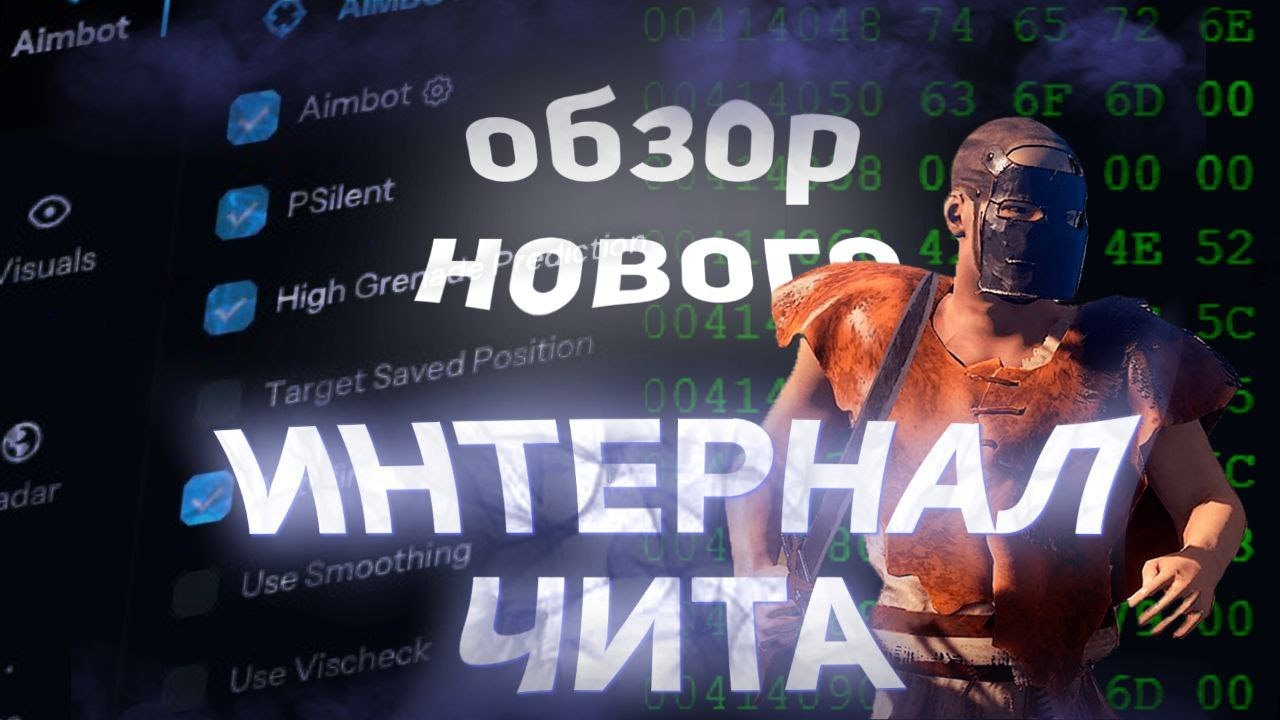
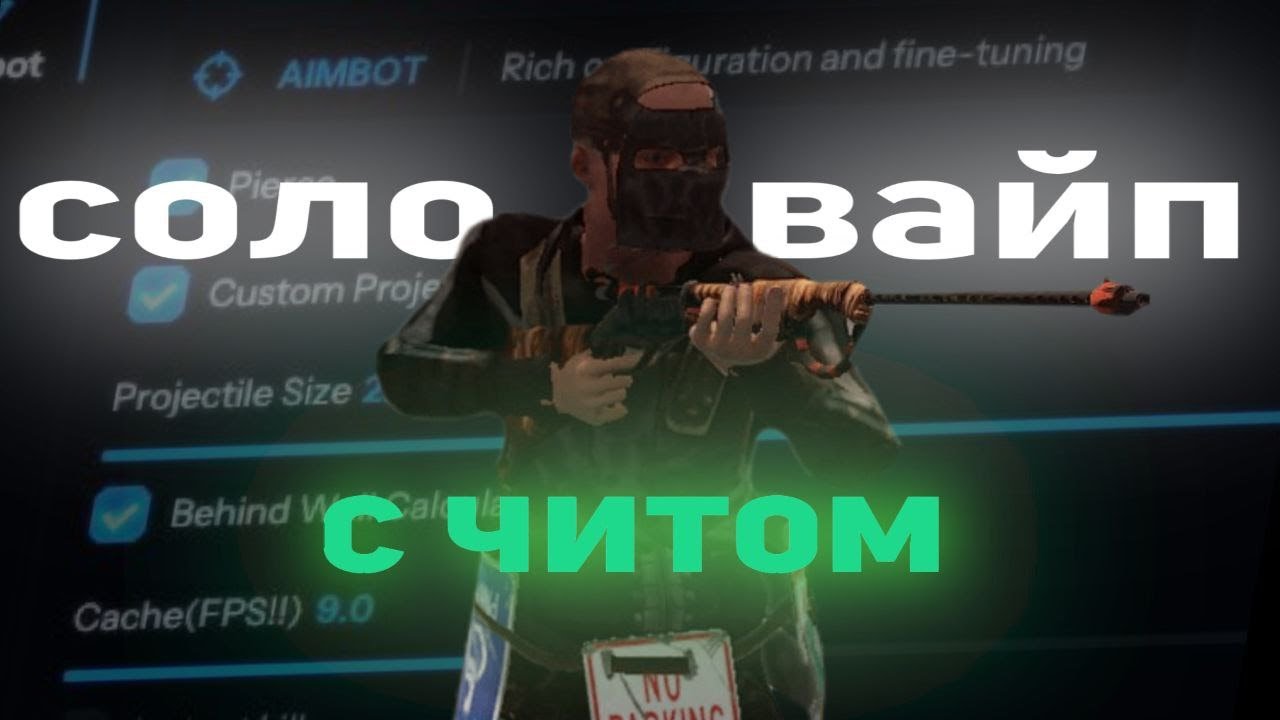
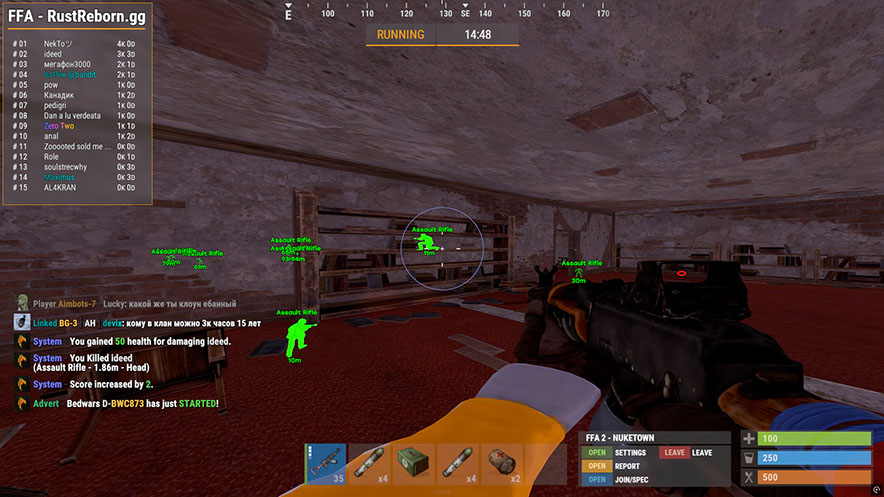
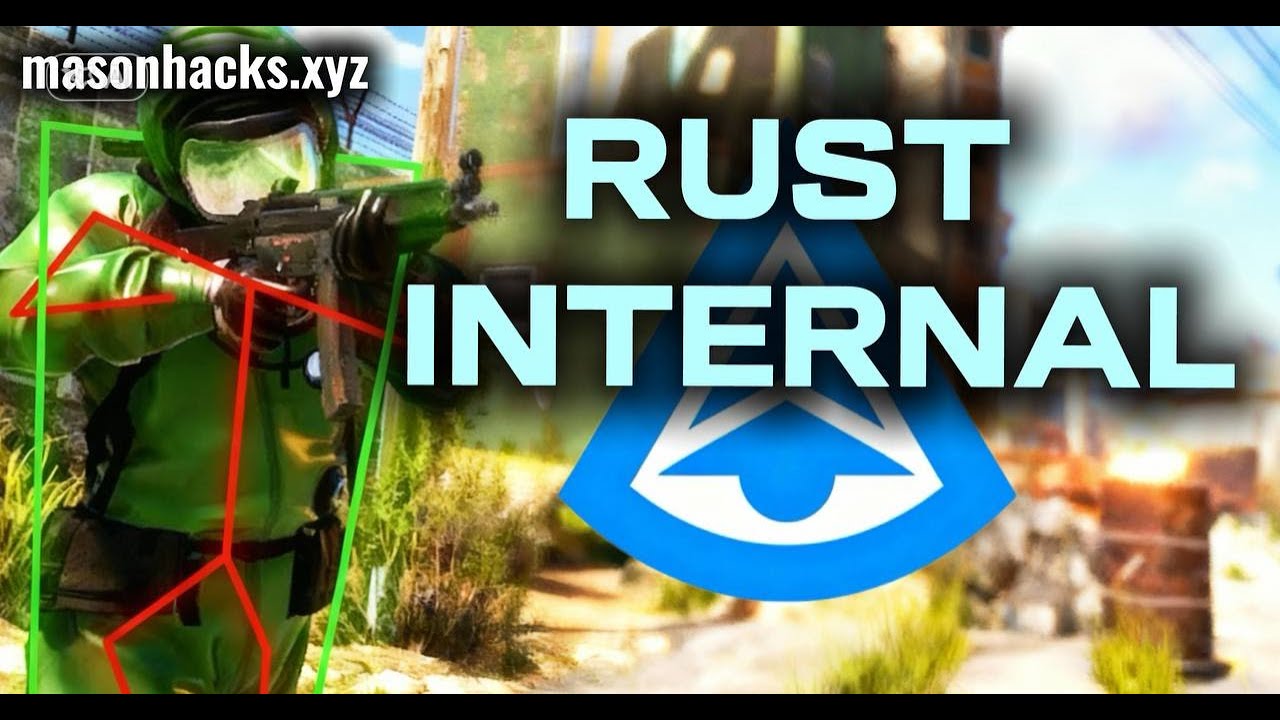
Mason RUST Internal est un cheat interne privé pour Rust comprenant une boîte à outils complète : Aimbot avancé avec PSilent et prédiction de grenade, suite visuelle complète (Player ESP, World ESP, Loot ESP, radar en jeu), contrôle du recul et modifications de tir, plus un module d'automatisation - de la pêche automatique et du pillage automatique aux mises à niveau de construction et au forçage brutal du verrouillage par code.
Le logiciel comprend un système anti-violations intégré qui protège contre la détection Easy Anti-Cheat. Une clé USB est nécessaire pour lancer. Les processeurs Intel et AMD sont pris en charge sur Windows 10/11 x64.
Distribué auprès d'un nombre limité d'utilisateurs pour minimiser les risques. Chaque fonctionnalité est entièrement personnalisable : les profils Rage, Legit et SemiRage sont disponibles avec sauvegarde de la configuration. Des mises à jour régulières garantissent un fonctionnement stable après les correctifs du jeu.
Configuration requise
🔔 Les statuts des cheats se mettent à jour automatiquement depuis notre bot Telegram via les notifications des développeurs — suivez les news là-bas. Beaucoup de cheats se mettent à jour tout seuls après les changements du jeu, donc un statut « Vérification » ne signifie pas que le cheat est cassé — c’est juste une incertitude en attendant confirmation. Pas sûr ? Demandez sur le chat du site ou consultez Contacts.
Clés globales — fonctionnent dans le monde entier.
Si votre carte bancaire ne fonctionne pas avec notre système de paiement, vous pouvez payer avec une Binance Gift Card (USDT).
Cette méthode comporte des frais fixes de +10 %. Les codes promo et les réductions ne peuvent pas être appliqués.
- Contactez-nous pour confirmer que ce mode de paiement est disponible pour le produit souhaité
- Achetez une Binance Gift Card (USDT) du montant nécessaire sur une plateforme de votre pays (Paxful, Binance ou revendeurs locaux) — avec le moyen de paiement qui vous convient
- Envoyez-nous le code de la carte cadeau — nous activerons votre achat et livrerons le produit
USDT (TRC-20) est également disponible comme option de paiement lors du checkout — sans frais supplémentaires.
Fonctionnalités
Aimbot
- Aimbot — s'accroche à votre cible (touche de raccourci personnalisée)
- PSilent – courbe les projectiles vers la cible (raccourci personnalisé)
- Prédiction de grenade élevée – force la prédiction à trouver un point de frappe valide sous un angle plus élevé.
- Cibler la position enregistrée : cible votre position enregistrée actuelle sur la carte.
- Utiliser le lissage – humanise l'aimbot pour un comportement naturel
- Utilisez Vischeck – cible uniquement les joueurs visibles
- AutoFire : tire automatiquement lorsque la cible peut être touchée
- Hit Chance - fait rater certains tirs (PSilent uniquement, curseur pour %)
- Garder la cible : maintient la cible verrouillée même si elle est hors du champ de vision.
- Smooth – valeur de lissage personnalisable
- Aimbone - choisissez les os à viser (tête, cou, colonne vertébrale, colonne vertébrale inférieure, bassin, priorité Hitscan)
- Aimbone secondaire - os secondaire pour viser avec des paramètres de priorité
- Projectiles personnalisés — projectiles touchés s'ils sont proches de la cible (plus gros sur les joueurs montés)
- Legit Bullet TP – diminue la taille du projectile pour plus de légitimité
- Calculs derrière le mur : calcule automatiquement où PSilent doit cibler derrière les objets
- Heli Magic — étend la hitbox de l'hélicoptère
- Desync On Keypress – active la désynchronisation tout en appuyant sur la touche de visée
- Bone Override, Heli Rotor Override – remplace le ciblage du hitbone
- Pierce Hitbone – choisissez le hitbone pour les projectiles (Tête, Poitrine, Main, Pied, Rand, etc.)
- Matériau de frappe : sélectionnez le matériau du projectile (générique, verre, métal, bois, chair, terre, neige).
- Crosshair – réticule personnalisable (Cross, Thick Cross, Dot) avec options de couleur
- FOV – champ de vision réglable pour aimbot avec paramètres de taille et de couleur
- Simuler un projectile : dessine l'endroit où le projectile atterrira
- Marqueur prédit : dessine l'endroit où vous devez viser pour atteindre la cible
- Target Snapline - trace une ligne du réticule à la cible
ESP mondial
- Désactiver la carte ESP – désactive tous les ESP lorsque la carte est ouverte
- Battlemode - désactive chaque élément ESP en appuyant sur une touche
- Point d'intérêt : génère un marqueur sur la carte à la position enregistrée
- Raids - active l'ESP pour les raids à n'importe quelle distance, durée réglable
- Enregistrer la position / Enregistrer la maison - ESP pour la position et la maison enregistrées
Déployables
- Recycleur, placard (HealthBar, entretien, ShowID)
- Caches (non cachées/locales), sac de couchage
- Récepteur/diffuseur RF, HBHF/capteur sismique
- Grande batterie, établi de niveau 2/3
- SamSite ESP (positions mises en cache enregistrées dans la configuration)
- Chams déployables — Chams pour les éléments déployables
Radar
- Mini-radar : joueurs, scientifiques, autres entités avec personnalisation des couleurs
- Croix, arrière-plan, cercles de portée, texte, affichage de la direction
- Radar en jeu : joueurs et scientifiques sur la carte
- Cachettes locales et raids sur la carte
- Tailles réglables : radar, longueur/épaisseur du marqueur, tailles de cercle
DIVERS
- Caméra de débogage – position libre de la caméra (touche de raccourci personnalisée)
- Butin/ramassage instantané : récupère instantanément les objets des boîtes et du sol
- Remplacer la porte – remplace la porte par une dans votre main
- Fast Place – réduit le temps de placement pour les murs hauts
- Instant Revive – réanime instantanément les joueurs (tout le monde ou amis uniquement)
- Suicide – se casse les jambes jusqu'au suicide (touche de raccourci personnalisée)
- Caisses ouvertes – ouvre les caisses non ouvertes
- Pas de collision entre pointes et mines terrestres : marchez sur les pièges sans dommage
- Anti Violations — empêche de générer des violations (Flyhack, Noclip, Speed, etc.)
- Anti AFK – empêche le coup de pied AFK
- Flyhack — volez avec les touches WASD (vitesse réglable)
- Désactiver les collisions / Noclip interactif – découper les objets
- Téléportation – se téléporte à 5 mètres de haut en bas
- Omni Sprint : sprintez dans n'importe quelle direction
- Mode Dick – invisible (personnage enfoui dans le sol)
- Marcher sur l'eau, saut infini, Spinbot
- No Fall – pas de dégâts de chute, No Collision – parcourez les joueurs
- No Drag – parcourez les pointes/le feu sans ralentissement
- Pas de Minigun Spinup : tirez instantanément sur le minigun
- Weapon Spammer — animation de tir de spam (raccourci clavier)
Automatisation 2
- Empiler des objets – fabriquer automatiquement des objets sélectionnés (métal, bois, pierre)
- Butin automatique / Butin silencieux – conteneurs de butin automatique (armes, ressources, munitions)
- Verrouillage automatique – verrouillage automatique des verrous à code à proximité, Steal Unlocked – copie le code
- Authentification automatique : autorisation automatique sur les armoires à proximité
- Annuler / Réinitialiser la fabrication – annuler et réinitialiser les minuteries de fabrication
- Supprimer l'inventaire / Supprimer le conteneur - supprimer les articles d'inventaire/conteneur
- Recharge Jackhammer - Recharge automatique du marteau-piqueur près de l'établi
- Gardez les menottes / Libération instantanée / Menottes anti-spam — gestion des menottes
- Voler des joueurs – monte les joueurs à proximité sur votre véhicule
Recul et tir
- Recul X/Y — ajustez le recul sur les axes X et Y
- No Sway – supprime le balancement de l’arme
- Spread – modifie la propagation du projectile (0 pour aucun, 100 pour max)
- No Weapon Bob – supprime le bob d'arme
- Pas de cycle de boulon - tirez sans cycle de boulon avec des fusils à verrou
- Angles de déverrouillage : tournez lorsque vous êtes monté (via un raccourci clavier)
- No Melee Punch / Slowdown – supprime le recul et le ralentissement en mêlée
- Fast Bow - tir d'arc instantané en appuyant sur le bouton gauche de la souris
- Charge instantanée – charge instantanément l'arc à poulies
- Aucune pénalité de mouvement – marcher/courir tout en chargeant un arc à poulies
- Full Auto – rend n’importe quelle arme entièrement automatique
- Vitesse du projectile – modifie la vitesse du projectile
- Peut tirer : tirez en nageant, en grimpant, etc.
- Viser dans Mountable - viser dans des véhicules montés
Joueur ESP
- ESP joueur et scientifique (PNJ) avec couleurs personnalisables
- Nom, Distance, TeamID — noms des joueurs, distance, identifiants d'équipe
- Boîte – boîte de coin autour des joueurs
- View Direction – dessine la direction dans laquelle le joueur regarde
- Squelette — squelette de joueur à épaisseur réglable
- HeldItem – affiche l'article détenu, Hotbar – inventaire, vêtements
- Team/Enemy — ESP pour les coéquipiers et les ennemis avec personnalisation des couleurs et raccourci clavier
- Wounded/Dead/Sleeping — ESP pour les joueurs blessés, morts et endormis
- Online Sleeper - n'attire le joueur endormi que s'il est connecté au serveur
- Safezone, Outside, OOF — indicateurs de zone de sécurité et hors FOV
- Viscolor — personnalisez la couleur de visibilité
- Player Chams — mise en évidence du modèle de joueur (Foudre, Feu, etc.)
- Désactiver l'élimination des joueurs : désactive l'élimination des joueurs.
- Distance de dessin réglable pour les joueurs et les PNJ, espacement des textes
Véhicules
- Hélicoptère De Patrouille, Bradley, Drones, Cargo
- Minicopter, Scrap Heli, Chaloupe, Sous-marin
- Hélicoptère d'attaque, remorqueur, vélos à pédales, motos
- Chams pour véhicules — Chams pour véhicules avec sélection de matériaux
- Distance de traction réglable pour les véhicules
Butin ESP
- Ore Chams — chams pour minerais (Lightning, LightGlow, Flame, etc.)
- Node Path – trace une ligne jusqu'au minerai le plus proche, distance réglable
- Chanvre, Pierre, Métal, Soufre, Bois, Diesel
- Baies (Mûre, Bleuet, etc.), Maïs, Champignon, Citrouille, Pomme de terre
- Food Chams — Chams pour aliments avec sélection de matériaux
- Ours, Sanglier, Cerf, Loup, Cheval, Requin
- Animal Chams — Chams pour animaux, affichage de la santé (HealthBar/HealthText)
- Airdrop, caisse verrouillée/normale/militaire/élite
- Outil, Eau avancée, Eau de base, Médical, Nourriture, Caisse de base
- Baril normal, baril de pétrole, conteneur Chams
- Cadavre de joueur/scientifique/animal, sacs à dos, objets abandonnés
- Catégories d'objets pour les objets déposés (arme, construction, ressources, etc.)
Combat au corps à corps
- Joueurs de mêlée – frappes automatiques sur les joueurs (tête, poitrine, main, pied, etc.)
- Arbres/Minéraux de mêlée — coupe automatique d'arbres et extraction de minerai
- Hélicoptère de mêlée – frappe un hélicoptère avec une portée étendue
- Frappe automatique : frappe automatiquement à proximité de la cible
- BruteForce Codelocks – force brute les verrous de code pour les raids de code
- Mode silencieux – mode mêlée silencieux
- Effets de mêlée personnalisés : modifiez les effets de frappe (verre, eau, arbre, métal, etc.)
- Guérison automatique rapide – animation de guérison rapide
- Modifications Eoka — Mode Eoka (Legit, Rage, NeverHit, % réglable)
Automatisation
- Mise à niveau automatique : met automatiquement à niveau les bâtiments (depuis/vers la sélection de niveau)
- Auto Reel Fish / Auto Cast Rod — pêche automatique
- Mode légitime : pêche plus lente et plus légitime
- Visualiser la tension – affiche la tension de la ligne de pêche
- Auto Deposit Fish / Broke Rods – dépose les poissons et les cannes cassées dans des boîtes
- Auto Loot Rods / Auto Reload Bait – pille les cannes et recharge l’appât depuis la boîte
- Auto Heal / Auto Drink — guérison automatique et boisson
- Auto Collect / Auto Eat – collecte et consommation automatiques (chanvre, pierre, métal, etc.)
- Spam Torch – activez/désactivez instantanément la torche
- Réponse automatique : répond automatiquement aux messages de discussion (nécessite une API)
Paramètres
- Configurations : Rage, Legit, SemiRage, Extra 1/2/3 (Charger/Enregistrer)
- Paramètres de police : sélection de la police, taille des joueurs, entités, avertissements
- Touche Menu – touche de raccourci pour le menu, Échelle de menu – échelle (100 à 150 %)
- Favoris, curseurs, listes déroulantes, panneaux, bascules
Avis clients
Tous les avisQuestions fréquentes
Est-il sûr d'utiliser Mason Internal ?
Comment installer et lancer Mason Internal ?
Mason Internal fonctionne-t-il après une mise à jour de Rust ?
Quelles fonctionnalités sont incluses dans Mason Internal ?
Quels modes de paiement sont acceptés ?
Comment contacter le support ?
Après le paiement, vous recevrez des instructions détaillées sur l'activation, le lancement et l'utilisation du logiciel.
Les instructions seront envoyées à l'adresse e-mail indiquée avant le paiement.
Vous y trouverez également le lien de téléchargement et les composants nécessaires.
Communauté de cheats
Mises à jour des cheats, statut de détection et aide d'autres joueurs — sur notre Telegram et Discord.