Mason Internal の Rust
Mason RUST 内部 - Rust 用のプライベート チートを購入する
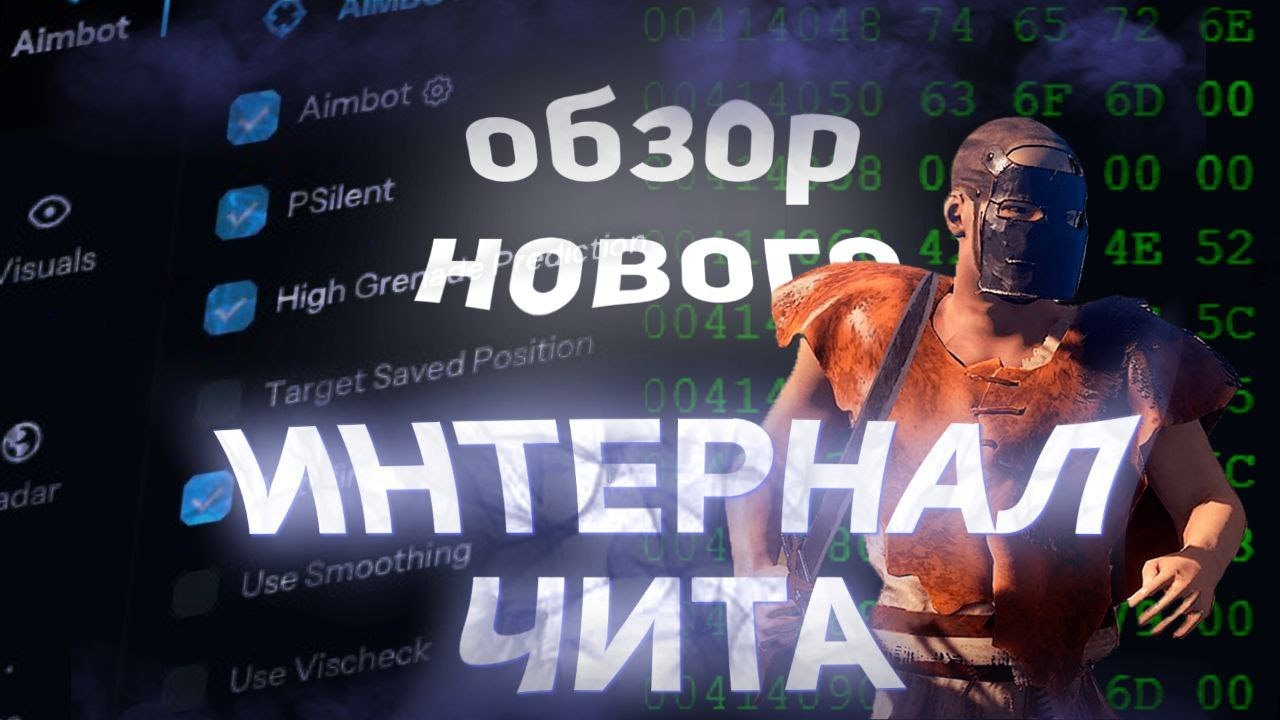
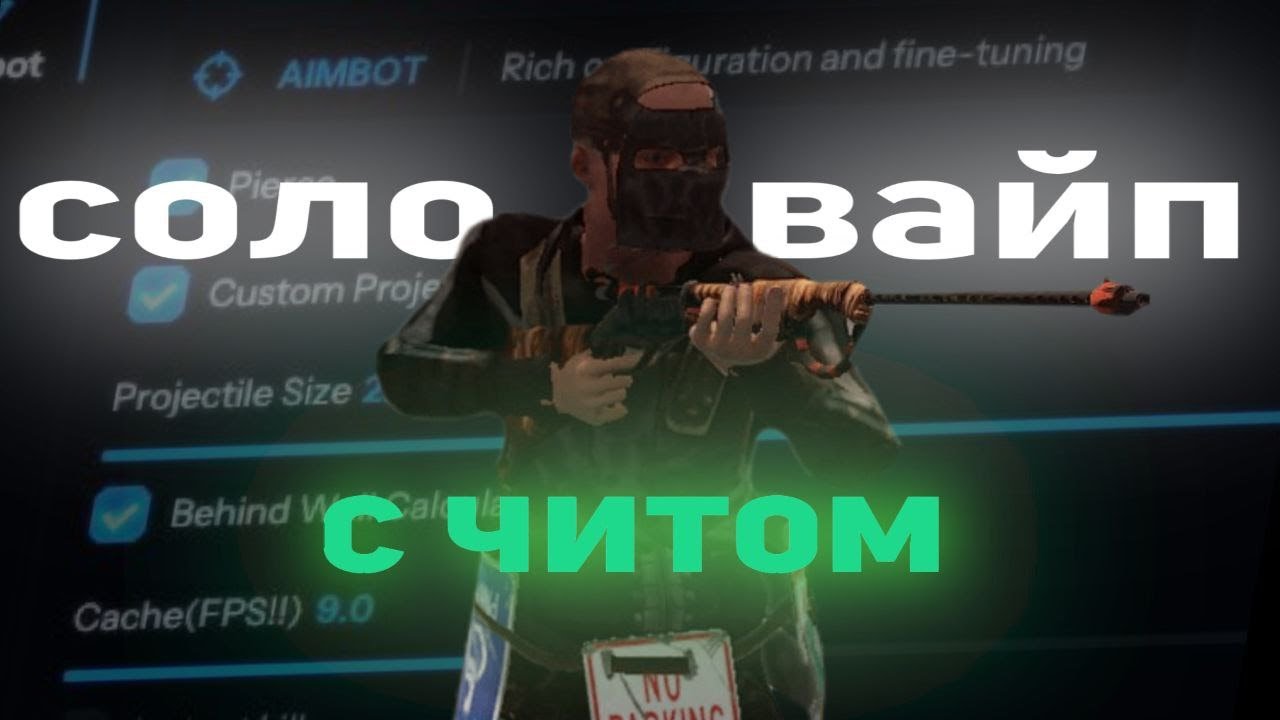
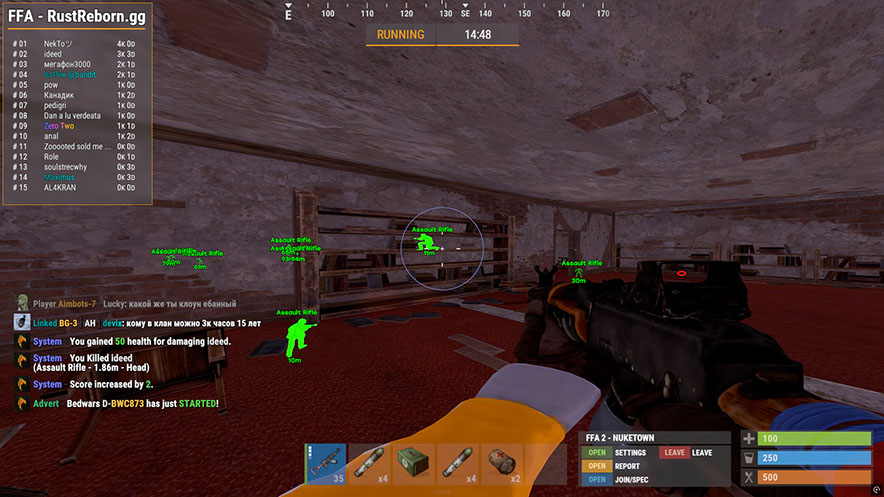
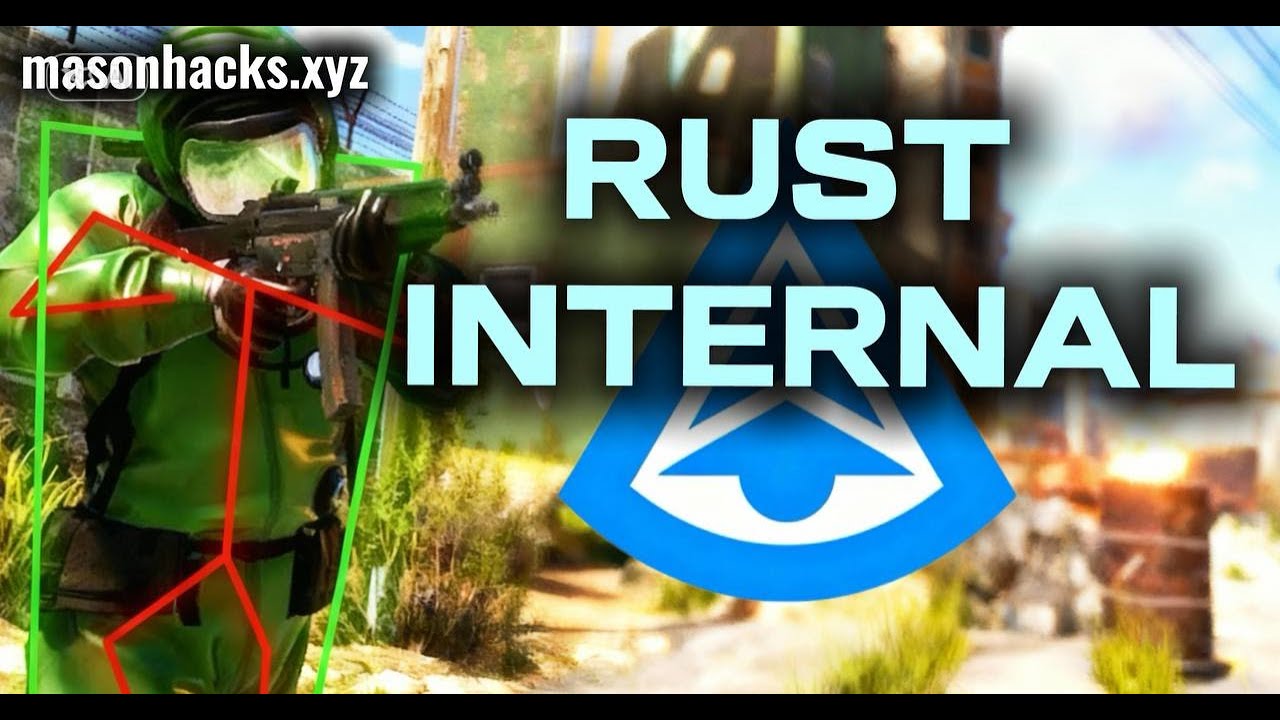
Mason RUST Internal は、広範なツールキットを備えた Rust のプライベート内部チートです。PSilent と手榴弾予測を備えた高度な Aimbot、完全なビジュアル スイート (プレイヤー ESP、ワールド ESP、戦利品 ESP、ゲーム内レーダー)、反動制御と射撃の修正に加え、自動釣りや自動略奪から建物のアップグレードやコード ロック ブルート フォースまでの自動化モジュールも含まれています。
このソフトウェアには、Easy Anti-Cheat の検出から保護する組み込みの Anti-Violation システムが含まれています。 起動するにはUSBフラッシュドライブが必要です。 Intel および AMD プロセッサは、Windows 10/11 x64 でサポートされています。
リスクを最小限に抑えるために、限られた数のユーザーで配布されます。 すべての機能は完全にカスタマイズ可能です。構成を保存すると、Rage、Legit、および SemiRage プロファイルが利用可能になります。 定期的なアップデートにより、ゲームパッチ後の安定した動作が保証されます。
システム要件
🔔 チートの状態は開発者の通知に基づき当社のTelegramボットから自動更新されます — そちらで最新情報をフォローしてください。多くのチートはゲームの変更後に自動更新されるため、「確認中」の状態はチートが動作しないという意味ではなく、確認までの不確実性にすぎません。不安ですか?サイトのチャットで質問するかお問い合わせをご確認ください。
グローバルキー — 世界中で使用可能。
銀行カードが当社の決済システムで使えない場合、Binance ギフトカード (USDT) でお支払いいただけます。
この方法には固定 +10% のサービス手数料がかかります。プロモコードや割引は適用できません。
- この支払い方法がご希望の商品に対応しているか、お問い合わせください
- お住まいの国のマーケットプレイス(Paxful、Binance、または現地の販売店)で必要な金額の Binance ギフトカード (USDT) を購入してください — お好みの支払い方法で
- ギフトカードのコードを送信してください — 購入を有効化し、商品をお届けします
USDT (TRC-20) はチェックアウト時にもご利用いただけます — 追加手数料なし。
機能
エイムボット
- Aimbot — ターゲットにスナップします (カスタム ホットキー)
- PSilent — 発射物をターゲットに向かって湾曲させます (カスタム ホットキー)
- 高手榴弾予測 — より高い角度から有効なヒット ポイントを見つけるように予測を強制します
- 保存された位置をターゲットにする — 地図上の現在の保存位置をターゲットにします
- スムージングを使用する — 自然な動作のためにエイムボットを人間化します
- Vischeck を使用する — 表示されているプレーヤーのみをターゲットにします
- AutoFire — ターゲットが攻撃可能になったときに自動的に射撃します
- Hit Chance — いくつかのショットをミスします (PSilent のみ、% のスライダー)
- ターゲットを維持 — FOV の外にある場合でもターゲットをロックしたままにします
- Smooth — カスタマイズ可能な平滑化値
- エイムボーン — 狙うボーンを選択します (頭、首、脊椎、下部脊椎、骨盤、ヒットスキャン優先度)
- Secondary Aimbone — 優先設定で照準を合わせるためのセカンダリ ボーン
- カスタム発射物 - ターゲットに近い場合に発射物が命中します (騎乗プレイヤーでは大きくなります)
- Legit Bullet TP — 正当性のために発射体のサイズを小さくします
- 壁の背後の計算 — PSilent がオブジェクトの背後のどこをターゲットにするかを自動計算します
- Heli Magic — ヘリコプターのヒットボックスを拡張します
- Desync On Keypress — エイムキーを押している間、非同期を有効にします。
- ボーン オーバーライド、ヘリ ローター オーバーライド — ヒットボーン ターゲットをオーバーライドします
- ヒットボーンを突き刺す — 発射物(頭、胸、手、足、ランドなど)のヒットボーンを選択します。
- ヒットマテリアル — 発射物のマテリアルを選択します (汎用、ガラス、金属、木、肉、土、雪)
- 十字線 — 色のオプションを備えたカスタマイズ可能な十字線 (十字、太い十字、点)
- FOV — サイズと色の設定によるエイムボットの調整可能な視野
- 発射物をシミュレートする — 発射物が着弾する場所を描画します
- 予測マーカー — ターゲットに命中するために狙う必要がある場所を描画します
- ターゲット スナップライン — 十字線からターゲットまで線を描きます
世界の超能力者
- ESP マップを無効にする — マップが開いているときにすべての ESP を無効にします
- バトルモード — キーを押すとすべてのアイテムの ESP を無効にします
- 興味のある地点 — 地図上の保存された位置にマーカーを生成します
- 襲撃 — あらゆる距離からの襲撃に対してESPを有効にし、時間を調整可能
- 位置の保存 / ハウスの保存 — 位置とハウスを保存するための ESP
デプロイ可能物
- リサイクル業者、食器棚 (HealthBar、Upkeep、ShowID)
- 隠し場所 (非表示/ローカル)、寝袋
- RF受信機/放送局、HBHF/地震センサー
- 大型バッテリー、ワークベンチ Tier 2/3
- SamSite ESP (キャッシュされた位置を構成に保存)
- Deployable Chams — デプロイ可能な Chams
レーダー
- ミニレーダー: 色をカスタマイズできるプレーヤー、科学者、その他のエンティティ
- 十字、背景、範囲円、テキスト、方向表示
- ゲーム内レーダー — マップ上のプレイヤーと科学者
- マップ上のローカルの隠し場所と襲撃
- 調整可能なサイズ: レーダー、マーカーの長さ/太さ、円のサイズ
その他
- デバッグ カメラ — 自由なカメラ位置 (カスタム ホットキー)
- 即時戦利品/ピックアップ — 箱や地面からアイテムを即座に略奪します
- ドアを交換 — ドアをあなたの手に置き換えます。
- 高速配置 — 高い壁の配置時間を短縮します
- 即時復活 — プレイヤーを即座に復活させます (全員または友達のみ)
- 自殺 — 足を骨折して自殺 (カスタムホットキー)
- 箱を開く — 未開封の箱を開きます
- スパイク/地雷との衝突なし - ダメージを受けることなくトラップの上を歩きます
- 違反防止 — 違反 (フライハック、ノクリップ、スピードなど) の発生を防止します。
- アンチ AFK — AFK キックを防止します
- フライハック — WASD キーで飛行 (速度調整可能)
- 衝突を無効にする / インタラクティブなノークリップ — オブジェクトをクリップします
- テレポート — 5 メートル上/下にテレポートします
- オムニ スプリント — あらゆる方向へのスプリント
- ディック モード — 不可視 (地面に埋もれたキャラクター)
- 水上ウォーク、無限ジャンプ、スピンボット
- 落下なし – 落下ダメージなし、衝突なし – プレイヤーの間を通り抜けます
- ドラッグなし - 速度を落とすことなくスパイクや火災の中を歩きます
- ミニガンスピンアップなし - ミニガンを瞬時に発射します
- 武器スパマー — スパム射撃アニメーション (ホットキー)
自動化 2
- アイテムをスタックする — 選択したアイテム (金属、木、石) を自動クラフトします
- Auto Loot / Silent Loot — 自動戦利品コンテナ (武器、リソース、弾薬)
- 自動ロック — コードロックの近くで自動ロック、スティールアンロック — コードをコピー
- 自動認証 — 近くの食器棚で自動認証します
- 製作のキャンセル/リセット — 製作タイマーのキャンセルとリセット
- インベントリのドロップ / コンテナのドロップ — インベントリ/コンテナアイテムをドロップします
- 削岩機の補充 — 作業台の近くにある自動補充削岩機
- Keep In Handcuffs / Instant Release / Spam Handcuffs — 手錠管理
- プレイヤーを盗む – 近くのプレイヤーを車両にマウントします
リコイルと射撃
- Recoil X / Y — X 軸と Y 軸で反動を調整します
- 揺れなし — 武器の揺れを取り除きます
- Spread — 発射物の拡散を変更します (0 なし、100 最大)
- 武器ボブなし — 武器ボブを削除します
- ボルトサイクルなし — ボルトアクションライフルでボルトサイクルなしで射撃します。
- 角度のロックを解除 — 取り付けたまま回転します (ホットキー経由)
- 近接パンチなし / 減速 - 近接反動と減速を除去します
- Fast Bow — マウスの左ボタンを押すと即時に弓を発射します
- インスタントチャージ — 複合弓を即座にチャージします
- 移動ペナルティなし — 複合弓をチャージしながら歩く/走る
- フルオート — あらゆる銃を完全に自動化します
- 発射速度 — 発射速度を変更します
- 撮影可能 — 水泳中、登山中などに撮影できます。
- Aim in Mountable — マウントされた車両で照準を合わせる
プレイヤーESP
- カスタマイズ可能な色を備えたプレイヤーおよび科学者 (NPC) ESP
- 名前、距離、チームID — プレーヤー名、距離、チームID
- ボックス — プレーヤーの周りのコーナーボックス
- View Direction — プレイヤーが見ている方向を描画します
- スケルトン — 厚さを調整できるプレーヤーのスケルトン
- HeldItem — 保持しているアイテムを表示、ホットバー — インベントリ、衣類
- チーム/敵 — 色のカスタマイズとホットキーを備えたチームメイトと敵の ESP
- 負傷者/死亡者/睡眠中 — 負傷者、死亡者、睡眠中のプレイヤーのための ESP
- オンラインスリーパー — サーバーに接続されている場合にのみスリーププレイヤーを描画します
- セーフゾーン、外側、OOF — セーフゾーンと視野外のインジケーター
- Viscolor — 可視性の色をカスタマイズする
- Player Chams — プレーヤー モデルのハイライト表示 (Lightning、Fire など)
- プレーヤーのカリングを無効にする — プレーヤーのカリングを無効にします
- プレイヤーとNPCの描画距離、テキスト間隔を調整可能
乗り物
- パトロール ヘリコプター, ブラッドリー, ドローン, 貨物船
- ミニコプター、スクラップヘリ、手漕ぎボート、潜水艦
- 攻撃ヘリコプター、タグボート、ペダルバイク、バイク
- Vehicle Chams — 材質を選択した車両用チャム
- 車両に合わせて描画距離を調整可能
超能力の戦利品
- Ore Chams — 鉱石用のチャム (Lightning、LightGlow、Flame など)
- ノード パス — 最も近い鉱石までの線を描画します。距離は調整可能です
- 麻、石、金属、硫黄、木材、ディーゼル
- ベリー類(ブラックベリー、ブルーベリーなど)、トウモロコシ、マッシュルーム、カボチャ、ジャガイモ
- Food Chams — 材料を選択した食品用のチャム
- クマ、イノシシ、クワガタ、オオカミ、馬、サメ
- Animal Chams — 動物用のチャム、健康表示 (HealthBar/HealthText)
- エアドロップ、ロック/ノーマル/ミリタリー/エリートクレート
- ツール、アドバンストウォーター、ベーシックウォーター、メディカル、フード、ベーシッククレート
- ノーマルバレル、オイルバレル、コンテナチャム
- プレイヤー/科学者/動物の死体、バックパック、ドロップアイテム
- ドロップアイテムのアイテムカテゴリ(武器、建設、資源など)
近接戦闘
- 近接プレイヤー — プレイヤーへの自動攻撃 (頭、胸、手、足など)
- 近接木/鉱石 — 自動木の伐採と鉱石採掘
- 近接ヘリコプター — 延長された射程でヘリコプターを攻撃します
- 自動攻撃 — ターゲットに近づくと自動的に攻撃します
- BruteForce Codelocks — コード レイドのためのブルート フォース コード ロック
- サイレントモード — サイレント近接モード
- カスタム近接効果 - ヒット効果を変更します (ガラス、水、木、金属など)
- 高速自動修復 — 高速修復アニメーション
- Eoka の変更 — Eoka モード (Legit、Rage、NeverHit、調整可能な %)
自動化
- 自動アップグレード — 建物を自動的にアップグレードします (グレード選択から/グレード選択へ)
- オートリールフィッシュ / オートキャストロッド — 自動釣り
- Legit Mode — よりゆっくりとした、より正当なフィッシング
- 張力の視覚化 — 釣り糸の張力を表示します
- 魚/壊れたロッドの自動預け入れ — 魚と壊れたロッドをボックスに入れます
- 自動戦利品ロッド / 自動リロード餌 — ロッドを略奪し、箱から餌をリロードします
- 自動修復/自動ドリンク — 自動修復と自動ドリンク
- 自動収集 / 自動食べる — 自動収集して食べる (麻、石、金属など)
- スパムトーチ - トーチのオン/オフを瞬時に切り替えます
- 自動返信 — チャット メッセージに自動応答します (API が必要)
設定
- 構成: Rage、Legit、SemiRage、Extra 1/2/3 (ロード/セーブ)
- フォント設定: フォントの選択、プレーヤーのサイズ、エンティティ、警告
- メニュー キー — メニューのホットキー、メニュー スケール — スケール (100 ~ 150%)
- お気に入り、スライダー、ドロップダウン、パネル、トグル
カスタマーレビュー
すべてのレビューよくある質問
Mason Internalの使用は安全ですか?
Mason Internalのインストールと起動方法は?
Rustのアップデート後もMason Internalは動作しますか?
Mason Internalにはどんな機能が含まれていますか?
どの支払い方法が利用できますか?
サポートにはどう連絡しますか?
お支払い後、ソフトウェアのアクティベーション、起動、使用方法の詳細な説明をお届けします。
説明はお支払い前に指定されたメールアドレスに送信されます。
ダウンロードリンクと必要なコンポーネントもそちらでご確認いただけます。
チートコミュニティ
チートのアップデート、検出ステータス、他プレイヤーからのサポート — TelegramとDiscordで。